
Order portal
Status, shipping labels, and documents for every order.
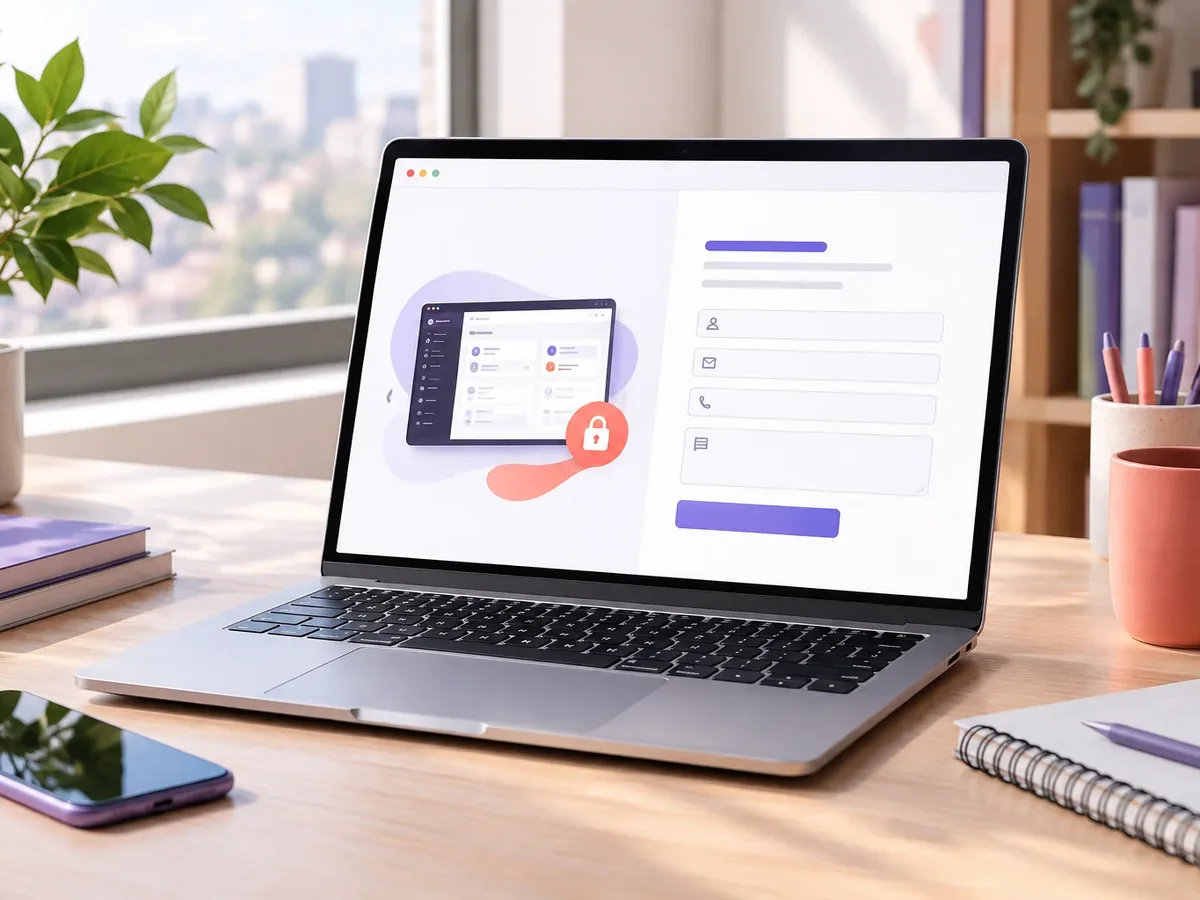
Order tracking system developmentWe build private portals where your customers log in with a username and password to check their orders, invoices, documents, contracts, and requests at any hour. You cut down on follow-up calls, project a more professional image, and build loyalty with a service your competitors don’t offer.
Updated:
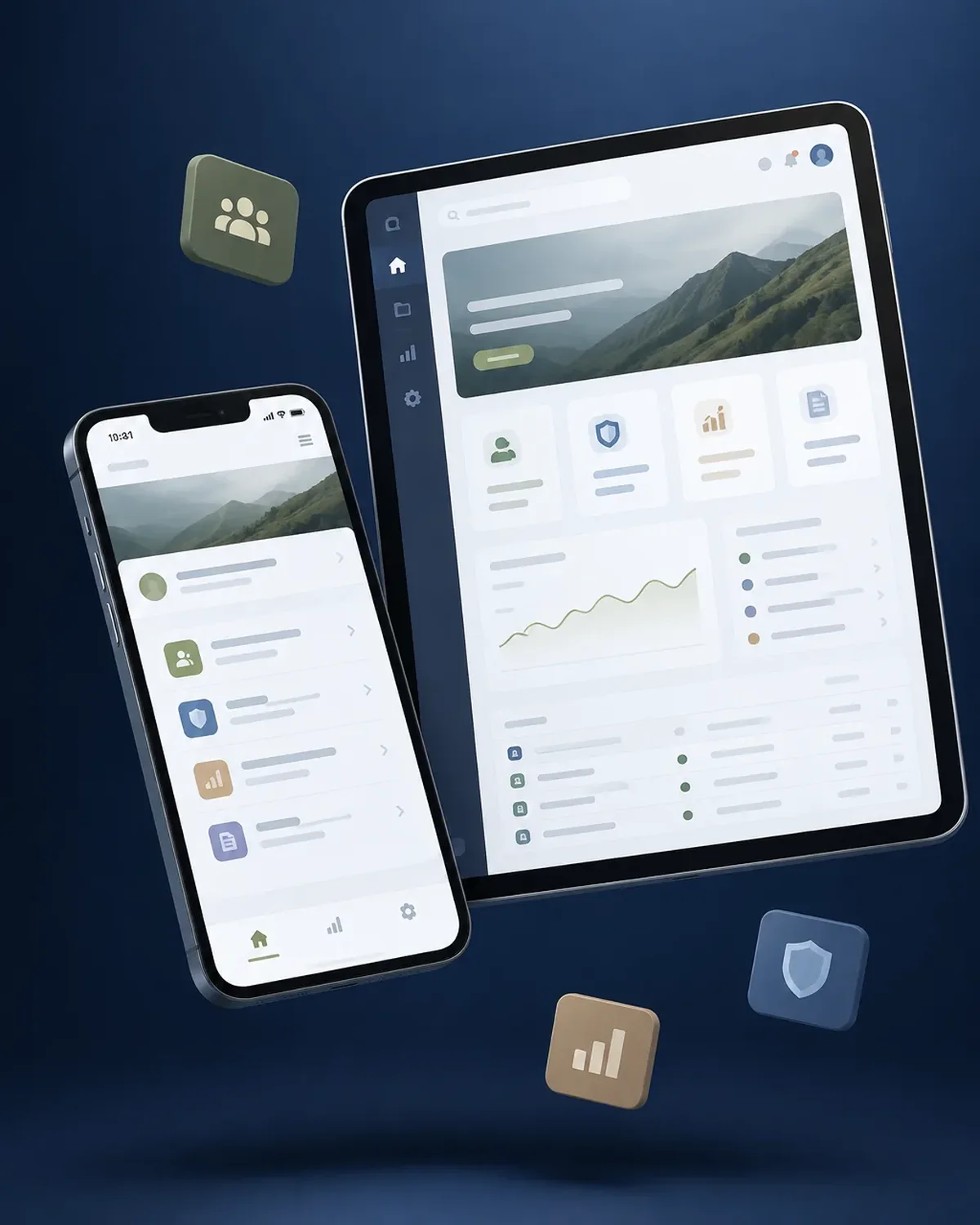
Their information, always at hand
10 years building for businesses
Depending on your business, the portal focuses on what your customers ask about most.
Status, shipping labels, and documents for every order.
Order tracking system developmentInvoices, receivables, and online payments.
Progress, deliverables, and client approvals.
Project management software developmentTickets, response times, and a knowledge base.
Customer service platform developmentA private, branded space where each customer manages their relationship with you.

We work in short stages, with deliverables you can test. You always know what’s being built, what’s left, and what we need from your team.

We interview the departments that will use the system and map how information flows today.
You: show us how you work today
You get: a process map and scope
We design the main screens in a clickable prototype to validate them before writing code.
You: test the prototype with your team
You get: an approved prototype
We build and deliver module by module, so your team can start using it soon.
You: test each module
You get: working modules in testing
We load your current data, train each role, and support you through launch.
You: hand over your databases
You get: a live system and user manuals
We measure actual usage and make any needed adjustments during the support period.
You: report adjustments through the support channel
You get: a usage and improvements report
Answer four questions, and we’ll tell you which type of portal or intranet best fits your case.
We recommend
A corporate intranet
We recommend
An employee portal
We recommend
A private customer portal
We recommend
A B2B platform
We recommend
A vendor portal
Businesses where customers need to check information often.
Accounting and law firms that share documents and progress.
Tracking numbers, deliveries, and proof of compliance.
Account statements, contracts, and maintenance requests.
Your customers want fast answers, even outside business hours.
Does your team spend hours answering “where’s my order?” We’ll show you how to solve it with a portal.
Yes. It’s published on a subdomain of your company, for example clients.yourcompany.com, with your logo and colors.
From your current systems (ERP, invoicing, CRM) through integration, or from an admin panel where your team updates it.
Yes, with different permissions: for example, purchasing sees orders and accounting sees invoices.
Yes. We integrate gateways like Stripe, PayPal, or Square so customers can pay outstanding invoices.
Also searched for as customer portal, private customer area, or customer extranet. It’s a service related to intranets, extranets, customer portals, secure login, and document management, topics we review with you when your project needs them.
Can’t find your question?
What clients most often add to this project.
Login portals: these services are related, but they solve different problems. Choose based on what you need.
Tell us what your customers ask about most and which systems hold that information. We’ll propose a scope and price.
We reply during business hours (Bogotá time, UTC-5), usually the same day.