

From order to invoice
Orders that trigger the invoice, shipment, and customer notice.
Order management automationWe automate the processes that today depend on someone remembering, copying, pasting, and forwarding. We design workflows that connect your tools, move information between departments, request approvals, and send alerts when something gets stuck. Your team stops doing mechanical work and focuses on what takes judgment.
Updated:
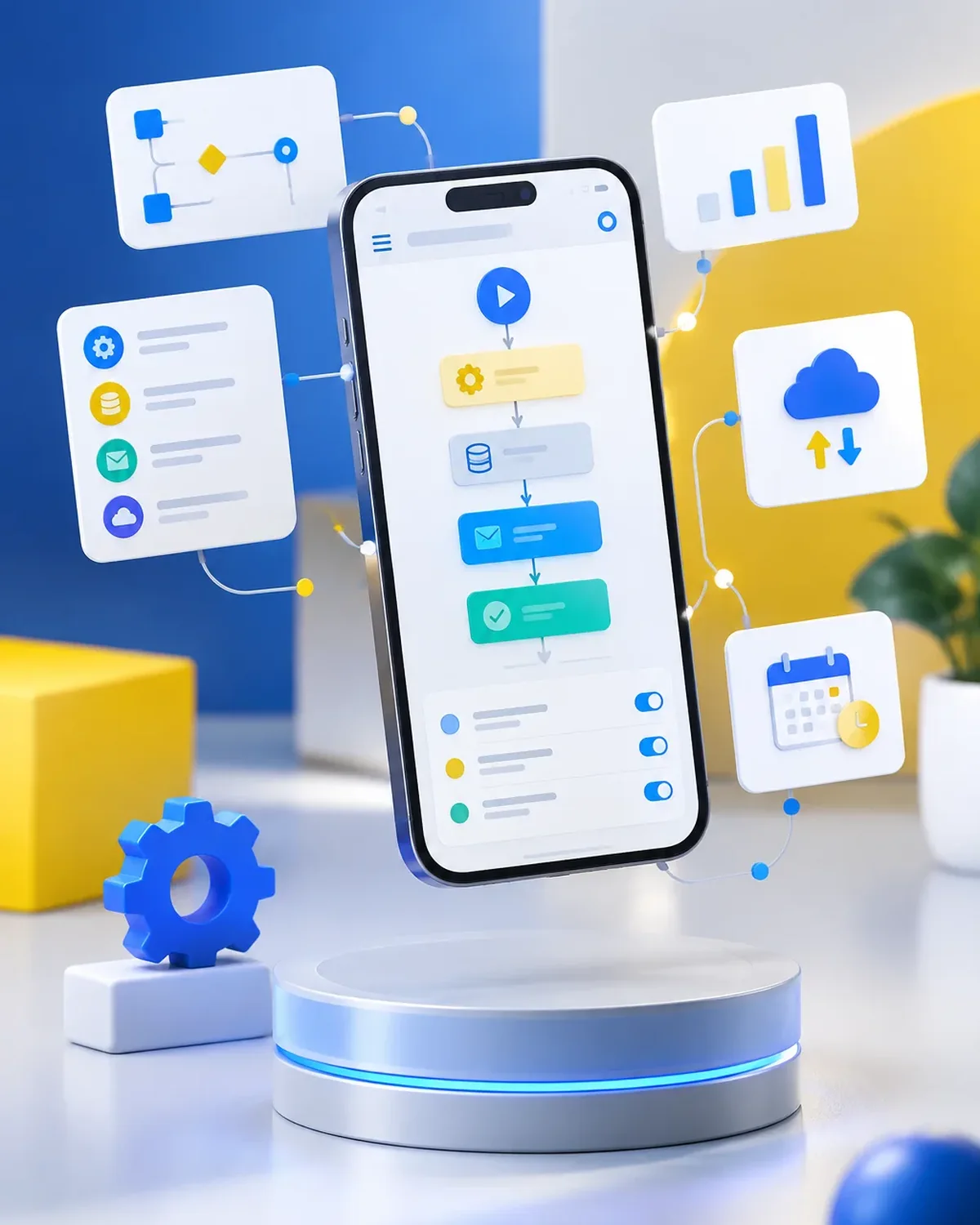
Processes that run themselves
900+ projects delivered
From process analysis to a working workflow, measured and documented.

Common examples at small and mid-size businesses.
Orders that trigger the invoice, shipment, and customer notice.
Order management automationPurchases, time off, and expenses approved on your phone.
Due dates, payments, and appointments notified on time.
Notification and reminder automationEmails sorted and documents read automatically.
AI task automationFour questions to find the automation with the best return for your business.
We recommend
Automate an entire process
We recommend
Automate administrative tasks
We recommend
Automate notifications and reminders
We recommend
Automate order management
We recommend
Automate HR processes
We recommend
Automate tasks with artificial intelligence
We start with the process that takes up the most of your time, automate it, measure the savings, and move on to the next one. No never-ending projects.

We look at how the task is done today, who does it, how long it takes, and which tools it lives in.
You: walk us through the process step by step
You get: a process map and the current time spent
We define triggers, rules, exceptions, and the points where a person steps in.
You: validate the rules and exceptions
You get: a diagram of the automated workflow
We build the workflow with test data and run it alongside the manual process.
You: review the test results
You get: an automation working in testing
We activate the workflow, set up error alerts, and train whoever supervises it.
You: appoint an internal owner
You get: a live workflow and an operations guide
We compare time spent and errors before and after, and fine-tune as needed.
You: report special cases to us
You get: a savings report and adjustments
The difference isn’t just time: it’s also control.
| Aspect | Manual process | Automated process by PACOWEB |
|---|---|---|
| Time | Hours a day on repetitive tasks. | Minutes of oversight. |
| Errors | Frequent data entry errors and oversights. | Rules that are always followed. |
| Traceability | Hard to know where each case stands. | Every step logged, with alerts. |
| Scale | More volume requires more people. | The workflow absorbs growth. |
What task does your team repeat every day? Tell us and we’ll tell you how much time you could get back.
Some cases where automation pays off fast.

Orders, billing, shipping, and receivables connected.
Appointment confirmations, authorizations, and patient reminders.
Contracts, recurring billing, and client follow-up.
Ones that follow clear rules and repeat: moving data between systems, sending notices, generating documents, requesting approvals. With artificial intelligence, also those that involve reading or classifying text.
Usually not. We connect the ones you already use, as long as they offer a way to integrate (API, email, spreadsheets, or webhooks).
Every workflow logs its runs and sends error alerts, and we also define what to do in exceptional cases.
It depends on how many systems and rules are involved. After reviewing the process, we give you a fixed price and an estimate of the time you’ll save.
It’s also known as automating business processes, workflow automation, or RPA for businesses. It’s related to RPA, workflows, n8n, Make, Zapier, and repetitive tasks, topics we review with you when your project needs them.
Can’t find your question?
Automations that usually go hand in hand with this one.
Tell us which process you want to automate, which tools you use, and how often it repeats. We’ll get back to you with a proposal.
We reply during business hours (Bogotá time, UTC-5), usually the same day.
