

Project management software development in the US
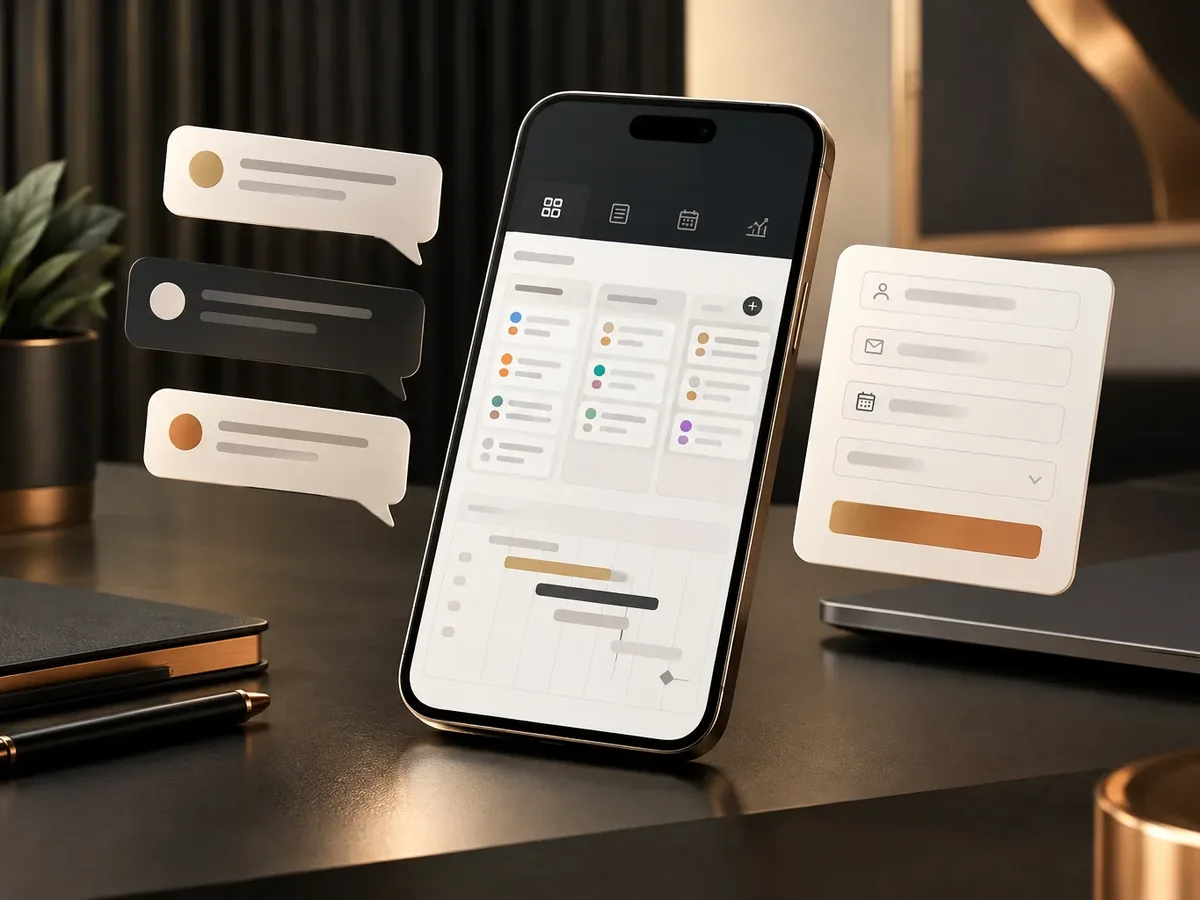
We build project management platforms for companies that need more than a task board: schedules, hours, budgets, deliverables, and progress by client in a single system. Your team knows what to do each day, and leadership knows which projects make money and which lose it.
Updated:
- Progress and profitability by project
- Simple time tracking
- Access for your clients
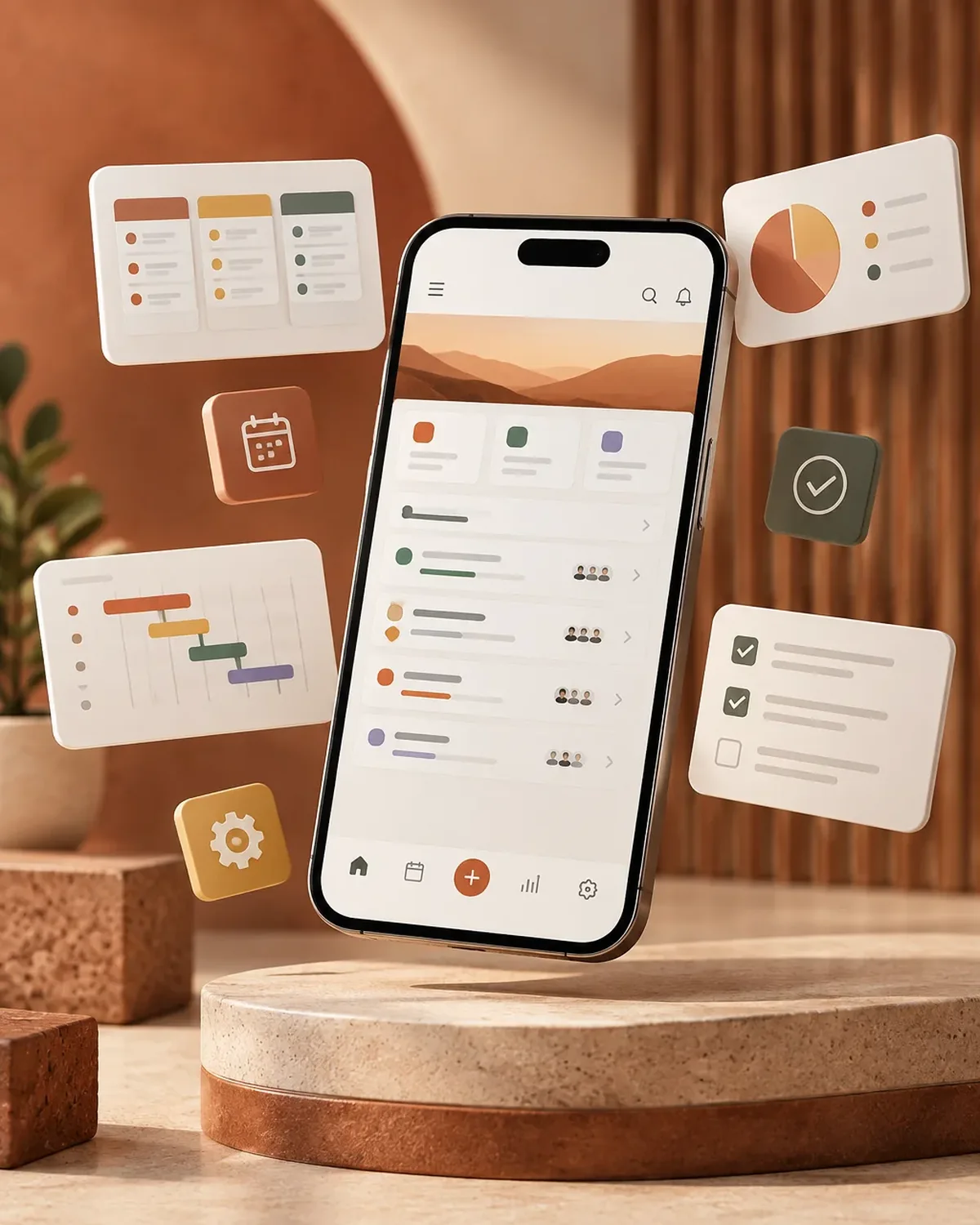
Every project under control
10 years building for businesses
What your project platform includes
Planning, execution, and financial control of your projects in one place.
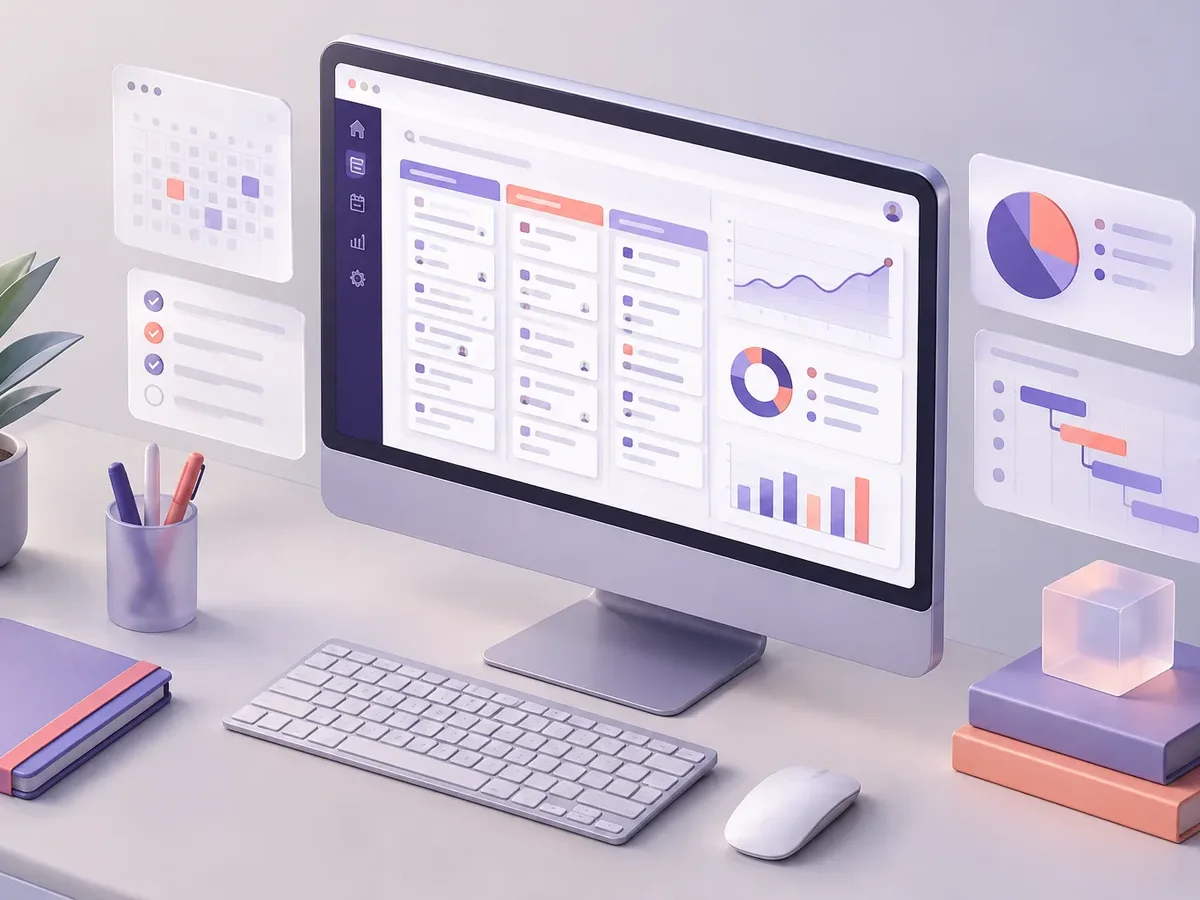
Planning
- Schedules with phases, milestones, and dependencies.
- Task assignment by person and team capacity.
- Templates for recurring projects.
Execution
- Task boards by status.
- Time tracking by task and by person.
- Comments, files, and deliverable approvals.
Control
- Budget vs. actual cost for each project.
- Alerts for delays and cost overruns.
- Portal where your client can see progress.
How we build your project platform
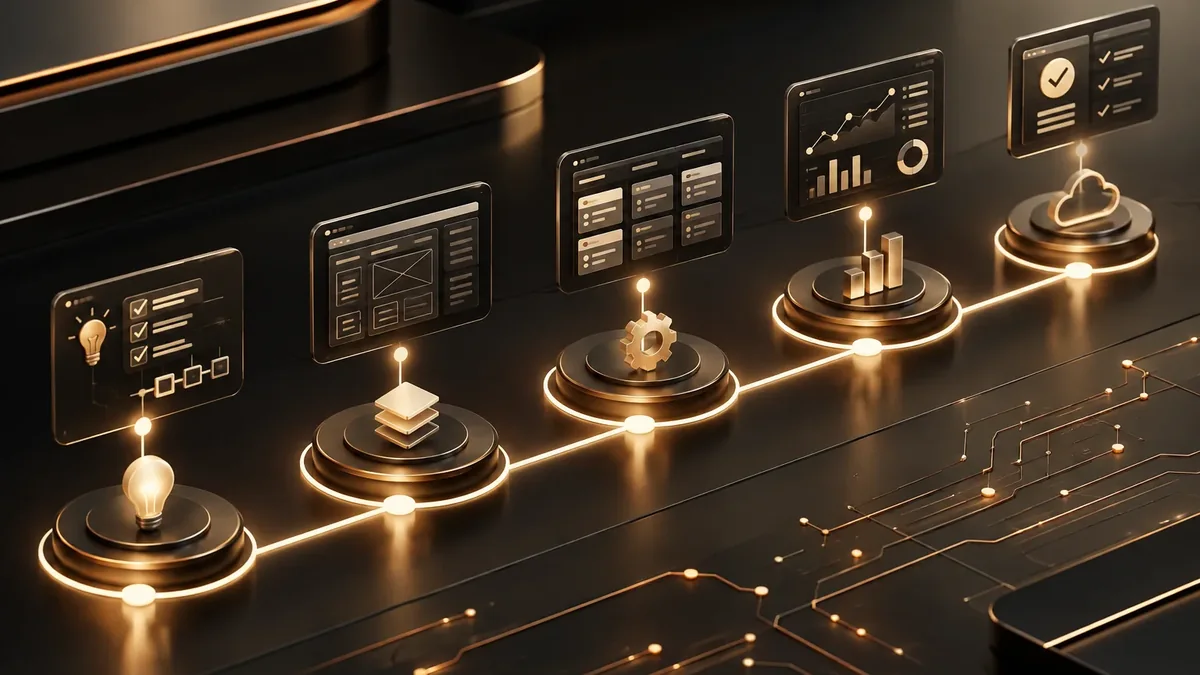
We work in short stages, with deliverables you can test. You always know what’s being built, what’s left, and what we need from your team.
-
Step 1: Discovery
We interview the departments that will use the system and map how information flows today.
You: show us how you work today
You get: a process map and scope -
Step 2: Prototype
We design the main screens in a clickable prototype to validate them before writing code.
You: test the prototype with your team
You get: an approved prototype -
Step 3: Development by module
We build and deliver module by module, so your team can start using it soon.
You: test each module
You get: working modules in testing -
Step 4: Migration and training
We load your current data, train each role, and support you through launch.
You: hand over your databases
You get: a live system and user manuals -
Step 5: Support and improvement
We measure actual usage and make any needed adjustments during the support period.
You: report adjustments through the support channel
You get: a usage and improvements report
What types of projects it’s for
The platform adapts to the way each company works.
-
Construction and engineering
Physical progress, sign-off reports, purchasing by project, and change control.
-
Consulting and services
Billable hours, deliverables, and profitability by client.
-
Tech and agencies
Tasks, releases, support, and prepaid hour blocks.
-
Client progress portal
Your client checks the status without having to message you.
Customer portal development
Separate tools or an integrated platform
Many companies juggle a task board, Excel, and email. Here’s the difference integration makes.
Separate tools
- Information
- Scattered across task boards, spreadsheets, and emails.
- Profitability
- Calculated at the end, if at all.
- Customer
- Asks on WhatsApp how everything is going.
- Your own rules
- There’s no way to reflect them.
PACOWEB project platform
- Information
- Tasks, hours, and costs in a single system.
- Profitability
- Visible as the project moves forward.
- Customer
- Checks progress in their portal.
- Your own rules
- Phases, approvals, and reports tailored to you.
Do you know which of your projects are profitable? We’ll show you how to see it clearly in real time.
What management system does your business need? Find out in a minute
Four questions to pinpoint the type of software that solves your main problem. If it helps, we’ll add the result to your request.
We recommend
A CRM tailored to your sales process
We recommend
An ERP that connects your departments
We recommend
A project management platform
We recommend
A custom business platform
Project management for different industries
Companies whose business depends on delivering projects on time and on budget.
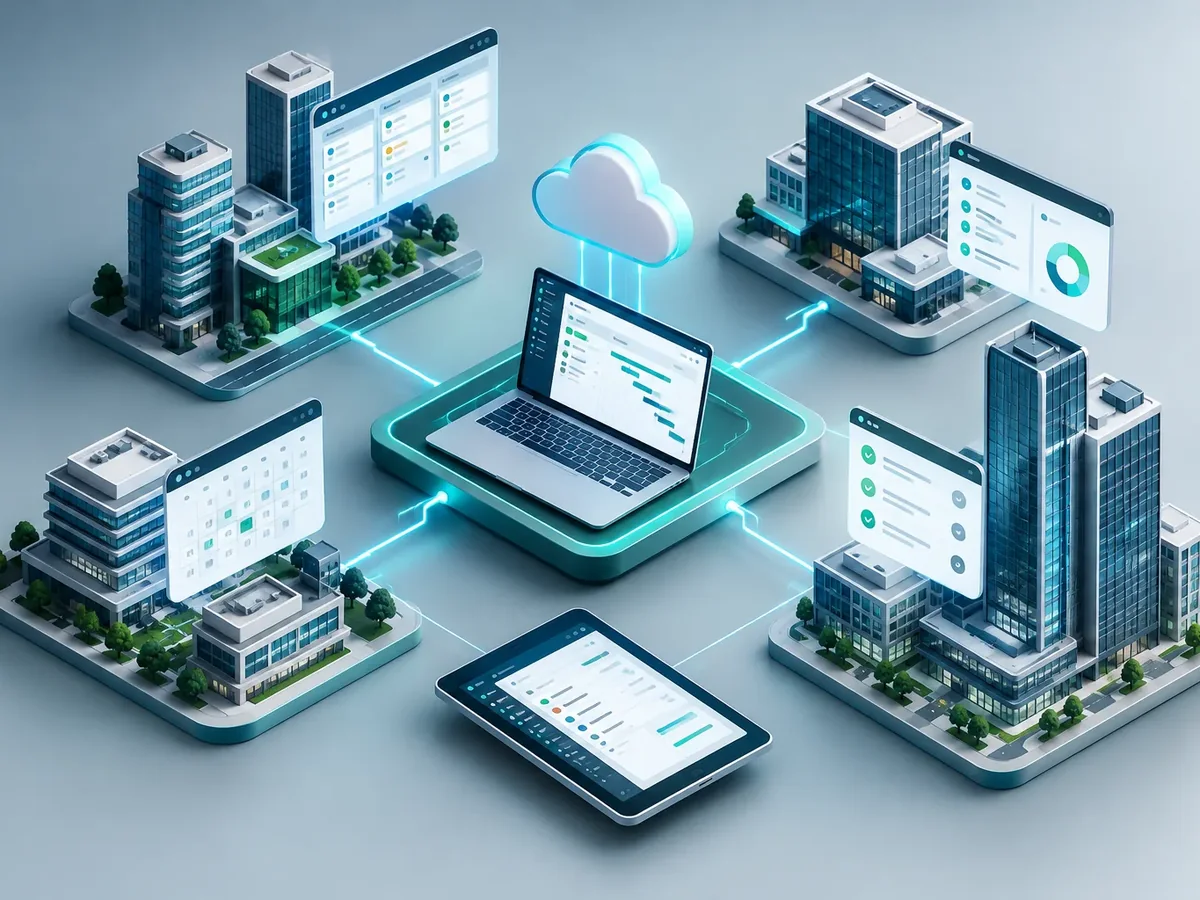
Construction
Job site tracking, inspection oversight, and budget control.
Agencies and creative studios
Campaigns, creative assets, client reviews, and team hours.
Engineering and maintenance
Technical projects with field crews, materials, and delivery sign-offs.
FAQ about project management software development
Why not use Trello, Asana, or Monday?
They’re good task tools. A custom platform adds what they don’t cover: costs, billable hours, your own rules, integration with your invoicing, and a portal for your clients.
Can my clients see progress?
Yes. We can create a private login where each client sees only their own projects, deliverables, and documents.
Can time be tracked from a phone?
Yes, time tracking works from any device and takes seconds.
Does it connect with invoicing?
Yes, approved hours or milestones can trigger invoicing in your system via API.
What other names is project management software known by?
People also search for it as project management software, project tracking system, or custom project management tool. It ties in with CRM, ERP, business management software, inventory management, and invoicing, which we review with you when your project needs them.
Can’t find your question?
Related services
What clients most often add to this project.
Get a quote for your project platform
Tell us what kinds of projects you manage, how many people are involved, and what you want to track. We’ll send you a proposal.
- 1You contact us through the form or on WhatsApp.
- 2We talk about your business and what you need.
- 3You get the proposal in writing, with scope, timeline, and price.
Request your proposal
We reply during business hours (Bogotá time, UTC-5), usually the same day.