
Invoices and bills
Vendor details, amounts, and taxes.
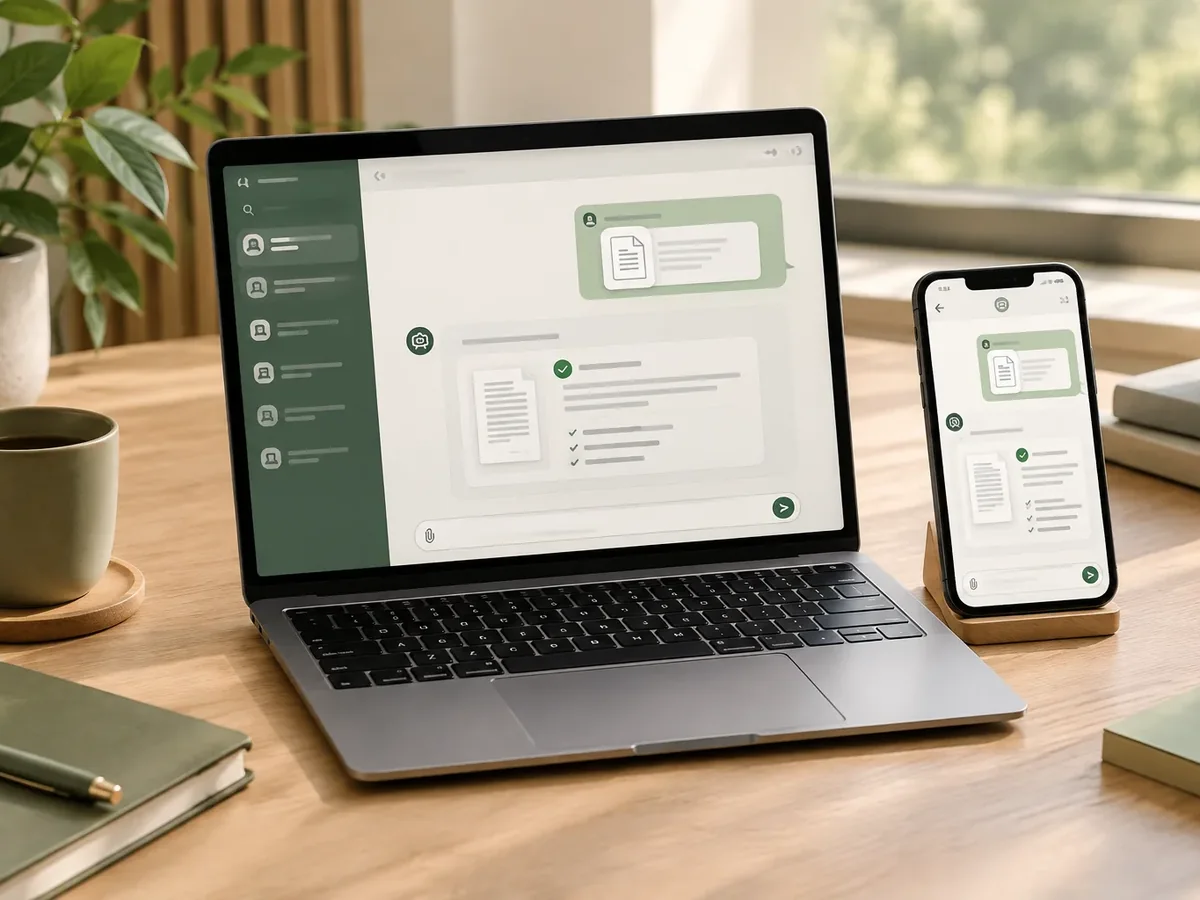
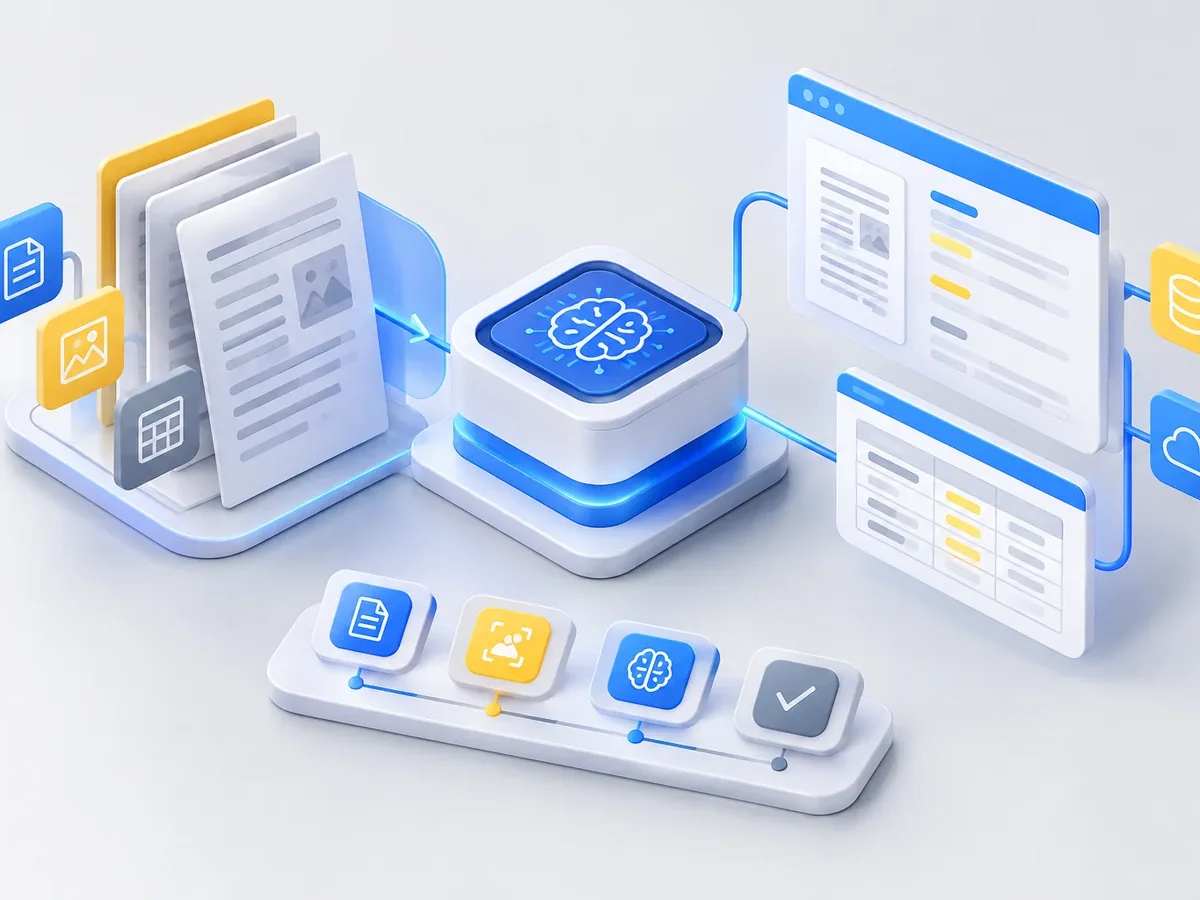
Invoice processing automationWe turn documents into usable data without anyone having to retype them. Using artificial intelligence and text recognition, we read PDFs, photos, scanned forms, contracts, and supporting documents, extract the fields you need, validate them, and send them to your ERP, CRM, or spreadsheet. Anything uncertain is flagged for human review.
Updated:
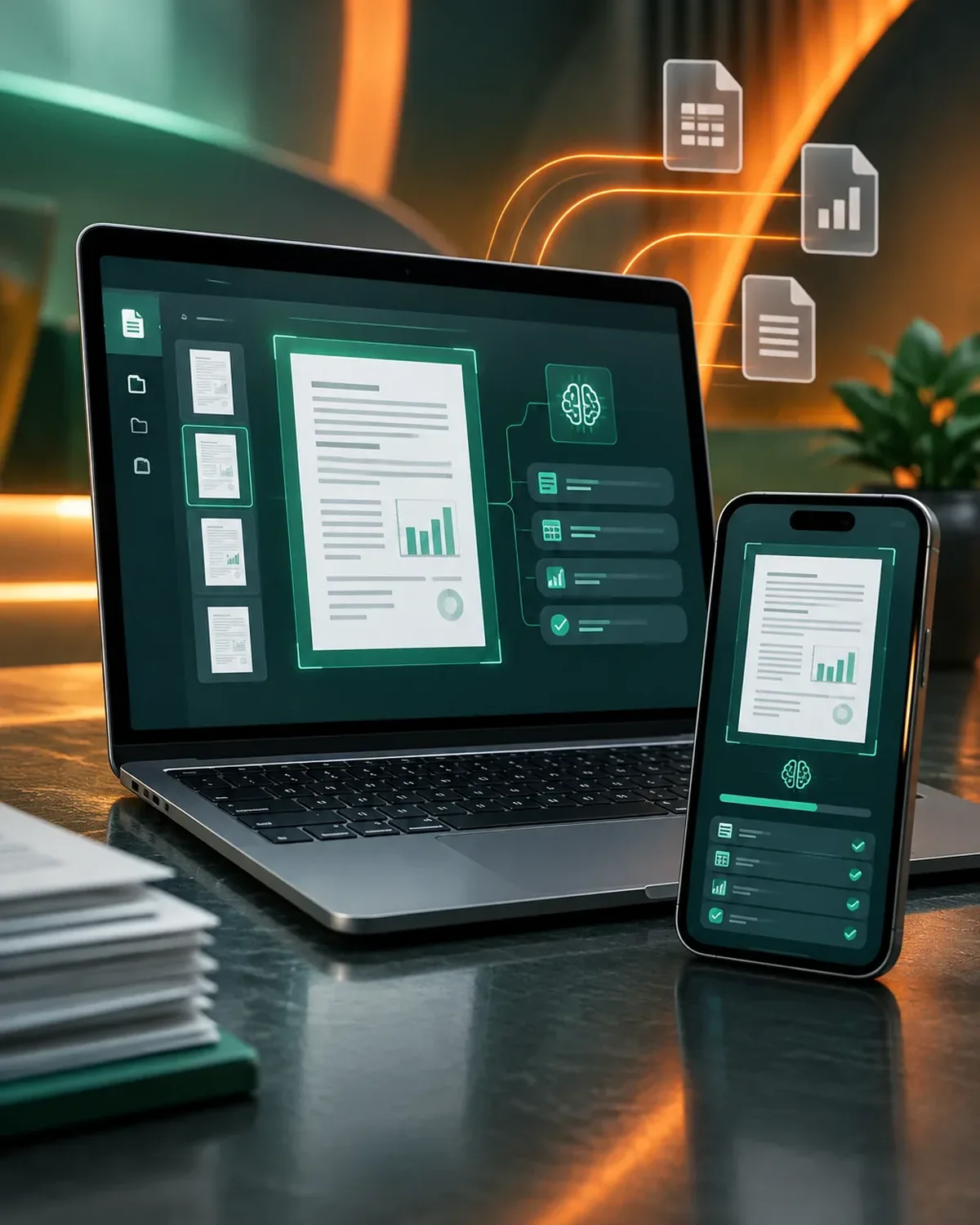
Documents turned into data
10 years building for businesses
The ones that eat up the most data entry hours.
Vendor details, amounts, and taxes.
Invoice processing automationData for customer or vendor onboarding.
Parties, dates, amounts, and key clauses.
Applications and surveys on paper or PDF.
From document received to data entered.
We start with the process that takes up the most of your time, automate it, measure the savings, and move on to the next one. No never-ending projects.

We identify where artificial intelligence really adds value and where a simple rule is enough.
You: share real examples of the work
You get: cases prioritized by impact
We build a first version with your data and test it with your team.
You: test the prototype with real cases
You get: a prototype and accuracy metrics
We fine-tune instructions, the knowledge base, and limits, and define when it hands off to a person.
You: review answers and correct them
You get: a refined version and an escalation protocol
We launch on the chosen channel and review conversations and results during the first few weeks.
You: give us feedback
You get: a solution in production and a performance report
Three questions to find out which document automation saves you the most hours.
We recommend
AI document processing
We recommend
Automated quote generation
We recommend
Automated reports
We recommend
Automated invoice processing
Organizations with high document volume.
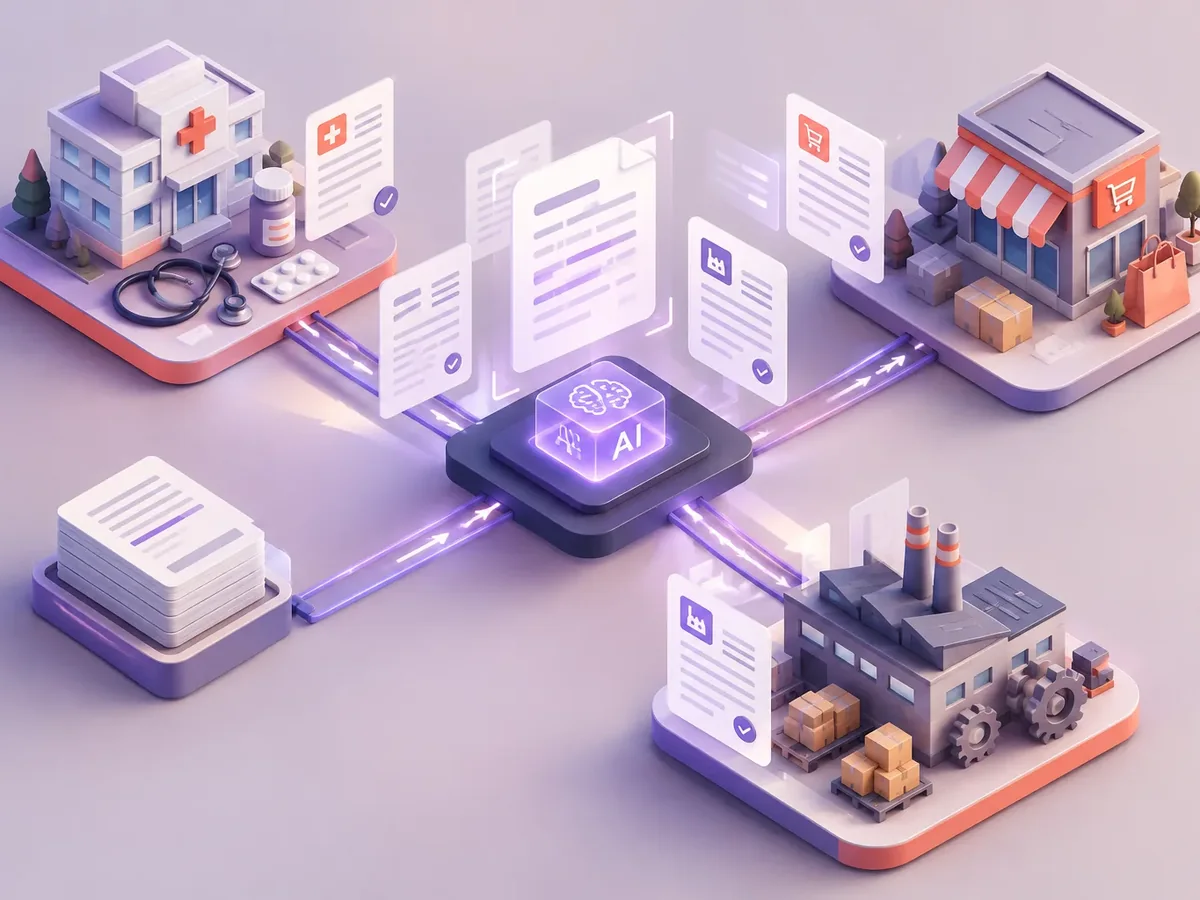
Loan applications and supporting documents.
Data extraction from contracts and case files.
Delivery notes, waybills, and proof of delivery.
Retyping documents is slow and error-prone.
How many documents does your team key in each month? Send us a sample and we’ll show you the result.
Can’t find your question?
Message an advisor and we’ll get back to you during business hours (Bogotá time, UTC-5).
Yes, as long as they’re legible. The system can ask for a new photo if the quality isn’t good enough.
It depends on the document type and quality. We measure accuracy with your real documents and send anything below the threshold for review.
In the storage you choose, such as Drive, SharePoint, or your own server, linked to the data record.
In some cases, yes, though with lower accuracy. We evaluate it with real samples.
It’s also known as document data extraction, AI-powered OCR, or intelligent document processing. It’s related to OCR, data extraction, invoices, automated reports, and e-signatures, topics we review with you when your project needs them.
Automations that usually go hand in hand with this one.
Tell us what documents you receive, how many per month, and which system the data needs to go into.
We reply during business hours (Bogotá time, UTC-5), usually the same day.