
WhatsApp sales
Catalog, orders, and payments right in the chat.
Order management automationWhatsApp is where your customers already are. We automate it with the official WhatsApp Business API to reply instantly, show your catalog, take orders and appointments, send alerts, and route conversations to multiple agents on a single number, all connected to your CRM and systems.
Updated:
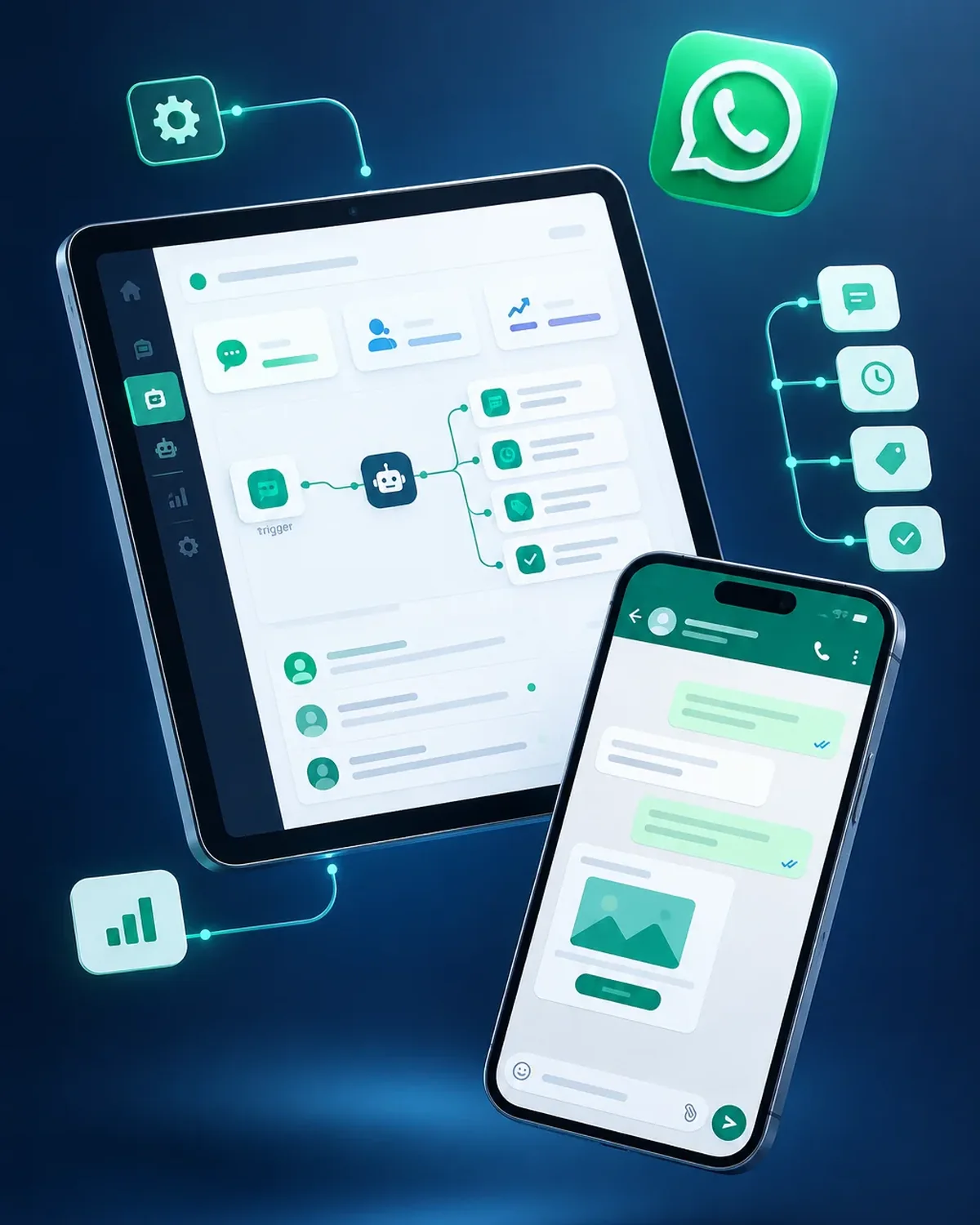
Your WhatsApp, organized
10 years building for businesses
Your customers' favorite channel, made professional.

The free app works to get started; once volume grows, it falls short.
| Aspect | WhatsApp Business app | API automated by PACOWEB |
|---|---|---|
| Agents | Few devices and no structure. | Multiple agents with assignment rules. |
| Automation | Basic quick replies. | Workflows, AI, and system integrations. |
| History | Stays on each phone. | Centralized in your CRM. |
| Bulk notifications | Limited broadcast lists. | Approved templates sent to opted-in contacts. |
Is your sales WhatsApp a mess of unanswered chats? We'll help you get it organized.
Based on what your business needs.
Catalog, orders, and payments right in the chat.
Order management automationReplies and cases handled in the channel.
AI customer service automationNotifications for appointments, payments, and shipments.
Notification and reminder automationAI-powered conversations.
AI chatbot developmentWe start with the process that takes up the most of your time, automate it, measure the savings, and move on to the next one. No never-ending projects.

We look at how the task is done today, who does it, how long it takes, and which tools it lives in.
You: walk us through the process step by step
You get: a process map and the current time spent
We define triggers, rules, exceptions, and the points where a person steps in.
You: validate the rules and exceptions
You get: a diagram of the automated workflow
We build the workflow with test data and run it alongside the manual process.
You: review the test results
You get: an automation working in testing
We activate the workflow, set up error alerts, and train whoever supervises it.
You: appoint an internal owner
You get: a live workflow and an operations guide
We compare time spent and errors before and after, and fine-tune as needed.
You: report special cases to us
You get: a savings report and adjustments
Businesses that sell and serve customers on WhatsApp.

Menu, orders, and delivery status.
Scheduling, confirmations, and prep instructions.
Catalog, quotes, and post-sale follow-up.
Four questions about your sales process so we can recommend where to start.
We recommend
Automate the sales process
We recommend
Automate lead follow-up
We recommend
Automate your CRM
We recommend
Marketing automation
We recommend
Automate email
We recommend
Automate WhatsApp
We recommend
Capture and score leads
Your number can be migrated to the API, but keep in mind it will stop working in the regular app. We'll walk you through the options before you decide.
Meta charges per conversation based on the message type, plus the cost of the management platform. We'll give you an estimate based on your volume.
Yes, using approved templates and only to contacts who opted in to receive messages, so you avoid getting blocked.
Yes, with the most widely used CRMs and with in-house systems via API.
Also searched for as WhatsApp Business API, WhatsApp bot, or multi-agent WhatsApp. Related topics include CRM, lead follow-up, automated email marketing, sales funnels, and lead scoring, which we review with you when your project needs them.
Can’t find your question?
Automations that usually go hand in hand with this one.
Selling on WhatsApp: these services are closely related, but they solve different things. Choose based on what you need.
Tell us how many messages you get per day, how many agents handle them, and which CRM you use.
We reply during business hours (Bogotá time, UTC-5), usually the same day.