

HubSpot
Workflows, sequences, and integrations.
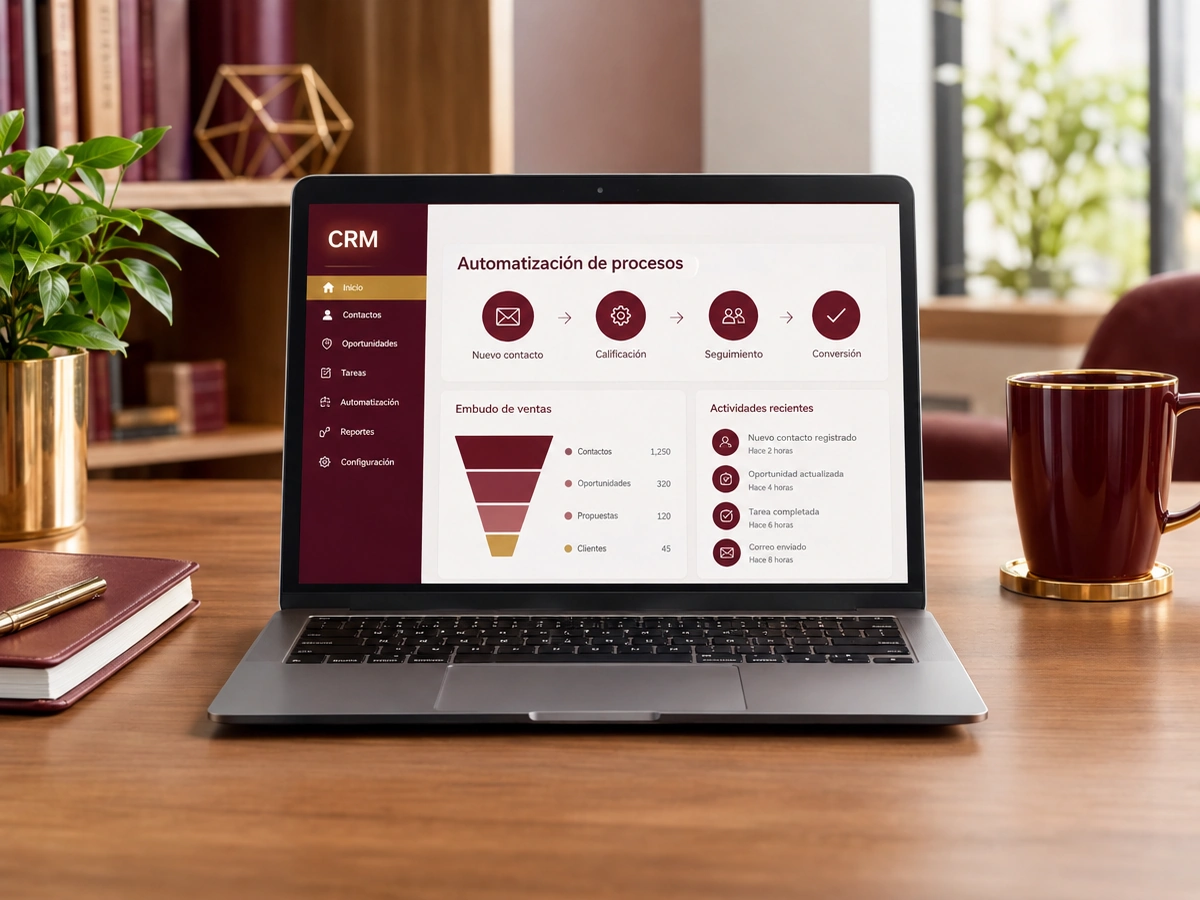
A CRM is only useful if the information is current, and that rarely happens when everything is entered by hand. We automate your CRM so contacts come in on their own from forms, WhatsApp, and email, tasks are created based on the stage, data syncs with your other systems, and reports arrive without anyone asking for them.
Updated:

A CRM your team actually uses
900+ projects delivered
We automate the one you already use or help you choose.
Workflows, sequences, and integrations.
Rules, functions, and Zoho One integration.
Visual pipelines with automations.
When no off-the-shelf CRM fits.
More reliable data, less data entry.
We start with the process that takes up the most of your time, automate it, measure the savings, and move on to the next one. No never-ending projects.

We look at how the task is done today, who does it, how long it takes, and which tools it lives in.
You: walk us through the process step by step
You get: a process map and the current time spent
We define triggers, rules, exceptions, and the points where a person steps in.
You: validate the rules and exceptions
You get: a diagram of the automated workflow
We build the workflow with test data and run it alongside the manual process.
You: review the test results
You get: an automation working in testing
We activate the workflow, set up error alerts, and train whoever supervises it.
You: appoint an internal owner
You get: a live workflow and an operations guide
We compare time spent and errors before and after, and fine-tune as needed.
You: report special cases to us
You get: a savings report and adjustments
Four questions about your sales process so we can recommend where to start.
We recommend
Automate the sales process
We recommend
Automate lead follow-up
We recommend
Automate your CRM
We recommend
Marketing automation
We recommend
Automate email
We recommend
Automate WhatsApp
We recommend
Capture and score leads
Sales teams where the CRM is at the center.

Applicants by program with automatic follow-up.
Prospective patients, consultations, and treatments.
Institutional clients and long-term opportunities.
Most CRMs fail because nobody keeps them up to date.
Paying for a CRM your team barely uses? We’ll help you make it work for them.
Can’t find your question?
Message an advisor and we’ll get back to you during business hours (Bogotá time, UTC-5).
Yes, with HubSpot, Zoho, Pipedrive, Salesforce, Bitrix24, and others that offer an API.
Yes, by logging WhatsApp Business conversations on each contact’s record.
Some automations require specific plans; we’ll tell you which one you need or handle it with external workflows like n8n or Make.
Yes. We set up stages, fields, users, and automations, and we train your team.
People also search for this as HubSpot automation, Zoho CRM automation, or automated CRM. It relates to CRM, lead follow-up, automated email marketing, sales funnels, and lead scoring, topics we review with you when the project calls for them.
Automations that usually go hand in hand with this one.
Tell us which CRM you use (or if you don’t have one yet), how many users you have, and what you want to automate.
We reply during business hours (Bogotá time, UTC-5), usually the same day.
