

Certificates and reports
Labs, inspection companies, and technical firms that deliver results to each client.
We build private client areas into your website: a password-protected space where each client downloads their documents, checks the status of their orders or services, and views their account information, without having to contact your team. We integrate it with your website’s design and, when possible, with your systems.
Updated:

Each client sees only their own information
900+ projects delivered
The key question is what information your clients ask you for most often. That’s what we put behind the login.
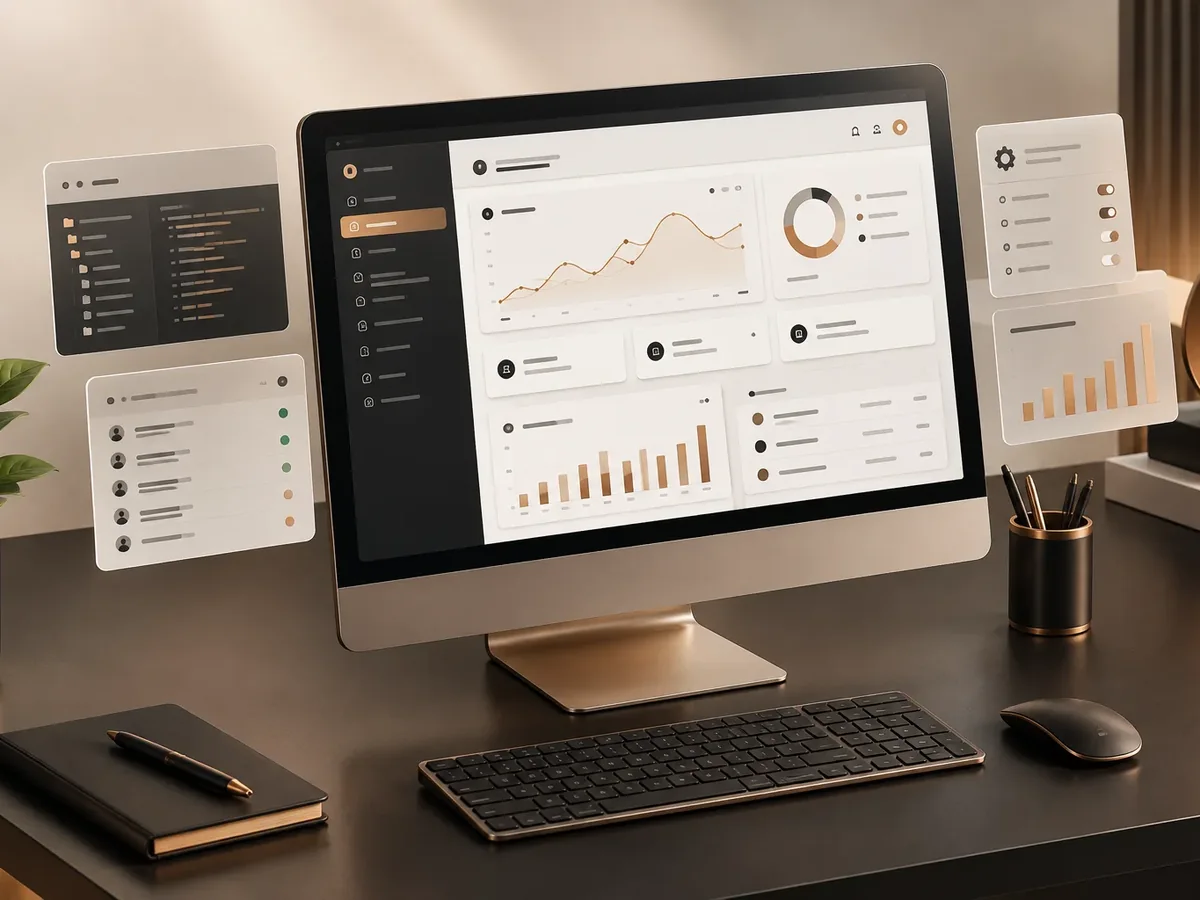
These are the use cases we’re asked for most. If your needs grow, we can expand it into a full portal.
Labs, inspection companies, and technical firms that deliver results to each client.
Distributors and manufacturers whose customers ask about their order status.
Invoices, payments, and balances for clients on credit or contract.
When you need requests, workflows, and lots of modules, we build a custom portal.
Four questions to define the scope of your private area.
We recommend
A private document area
We recommend
A private status area
We recommend
A private area connected to your system
We recommend
A full client portal
We start by defining what each client sees and where that information comes from.

We identify what information your clients look up and where it lives today.
You: tell us the requests you get most often.
You get: scope and permissions model.
We design the login and client screens to match your site.
You: review the designs.
You get: approved design.
We build the private area, the admin dashboard, and the integrations.
You: test it with trusted clients.
You get: private area in testing.
We set up the accounts, launch, and train your team.
You: invite your clients.
You get: a working client portal.
Emailing documents works, until the client can’t find the email and asks for it again.
| Aspect | By email | Client portal |
|---|---|---|
| Availability | Depends on the client keeping the email. | Always available to download. |
| Repeat requests | Constant. | Far fewer. |
| Security | Attachments forwarded with no control. | Login access and download tracking. |
| History | Scattered across inboxes. | Organized by client and by date. |
| Image | Operational. | Professional and modern. |
Does your team spend hours resending documents? Let’s see what can move to a private area.
Any business that regularly delivers individual information to its clients.
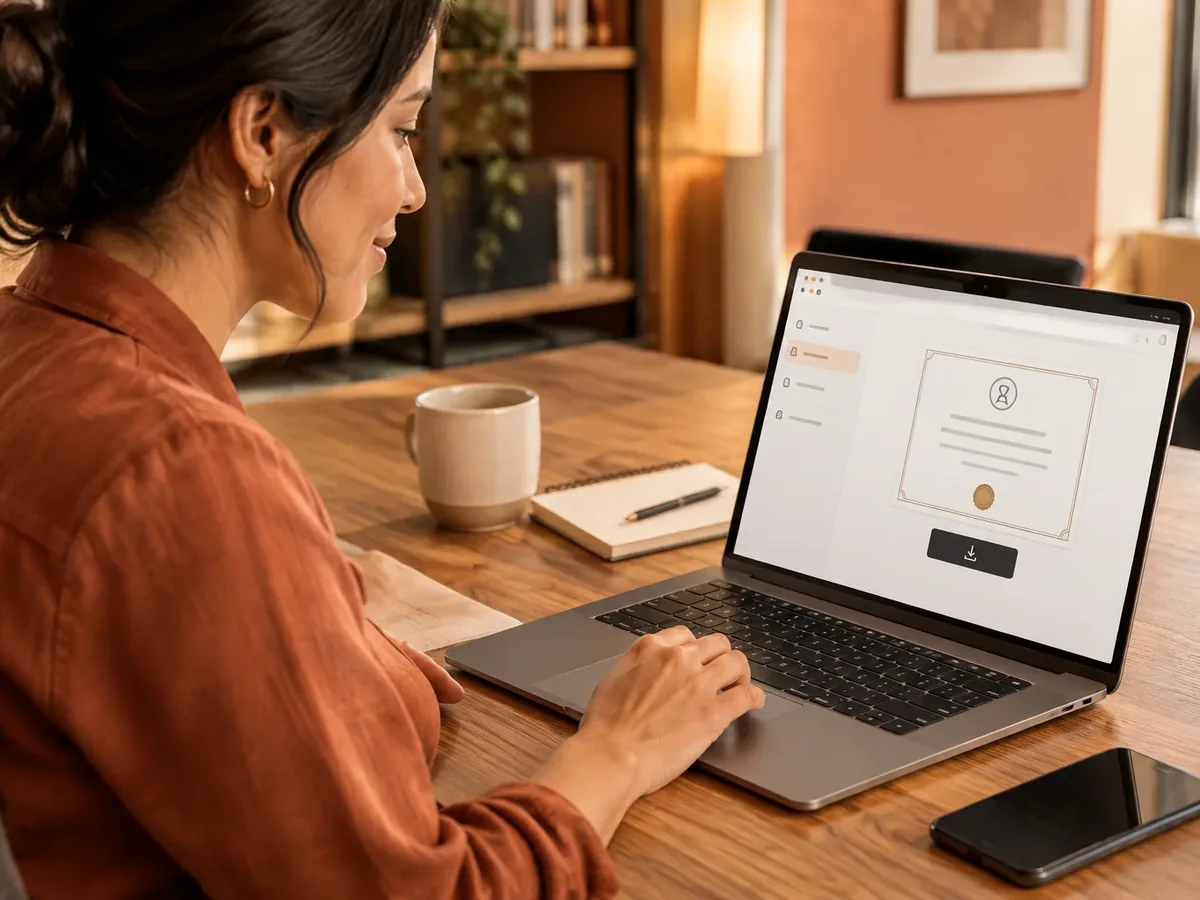
Results, certificates, and technical reports for each client.
Visit reports, service records, and backup documents for every job.
Construction progress, documents, and payments for buyers or owners.
Yes, following best practices: encrypted connections, encrypted passwords, per-client permissions, and access logs. For sensitive information, we can add two-factor authentication.
Your call. Most businesses create the accounts themselves or approve each sign-up, so only real clients get in.
If your system has an API, we can pull the information directly from it. If not, your team uploads it from the admin dashboard or by file.
In many cases, yes, after we review the technology your site runs on. If your current site can’t support it, we’ll suggest alternatives or a redesign.
We handle information according to the privacy laws that apply to your business: only the data needed, with consent, and with restricted access. Your privacy policy should cover this use.
Also known as a client area, members area, or private login section. It ties in with responsive design, WordPress, on-page SEO, hosting and domains, page speed, and WhatsApp buttons, which we review with you when your project needs them.
Can’t find your question?
Services that often go with a private area.
Login portals: these services are related, but they solve different problems. Choose based on what you need.
Tell us what information your clients ask for and where you keep it today. We’ll propose scope, timeline, and pricing.
We reply during business hours (Bogotá time, UTC-5), usually the same day.