

Field presales
Sales reps who visit stores and take orders along their route.
We build sales management systems for companies with sales teams in the office and in the field: quotas, visits, orders, receivables, and commissions in one tool. Sales leadership sees each rep’s and each territory’s progress without waiting for month-end close.
Updated:
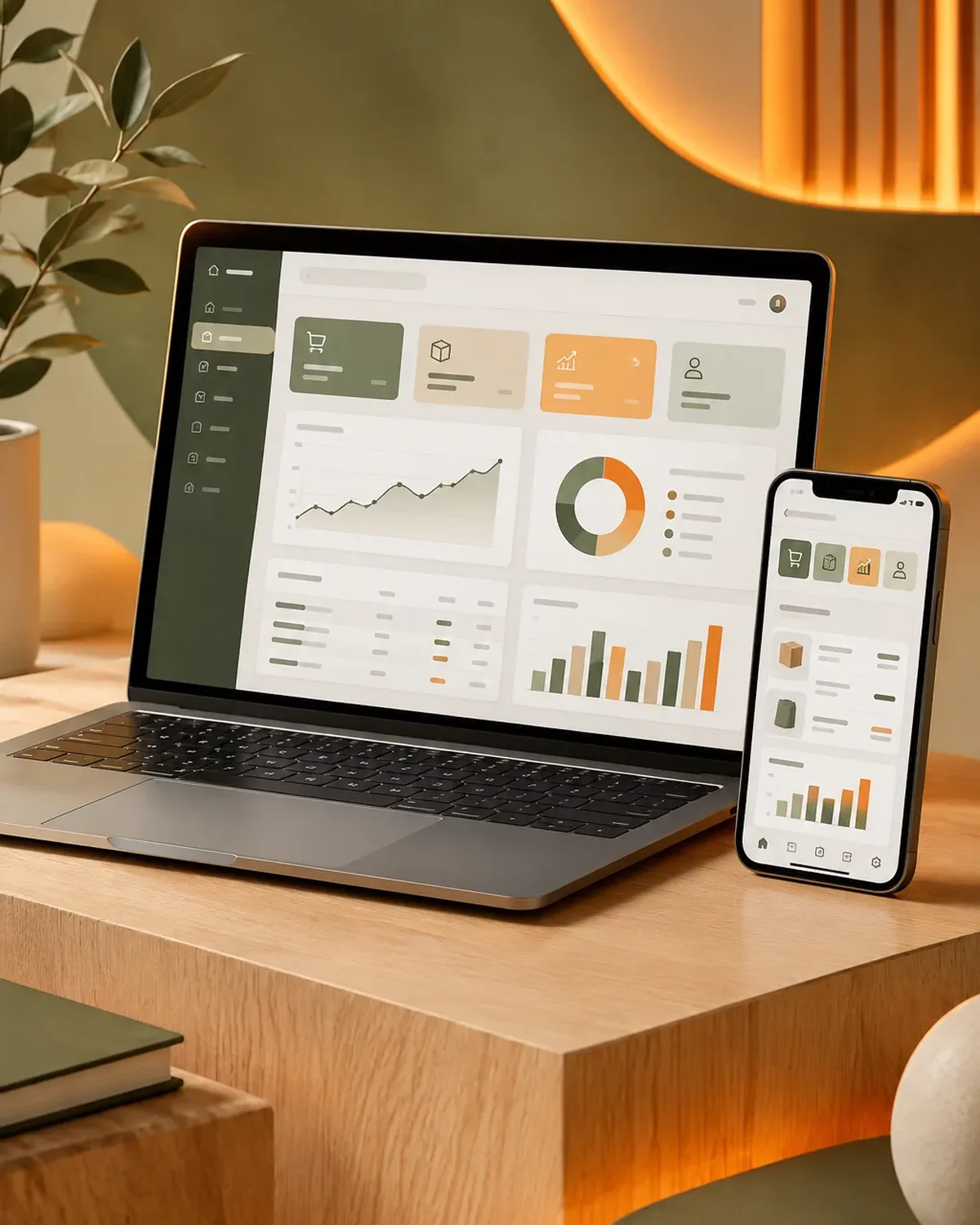
Sales visible every day
900+ projects delivered
Everything your sales force needs to sell more and report less.
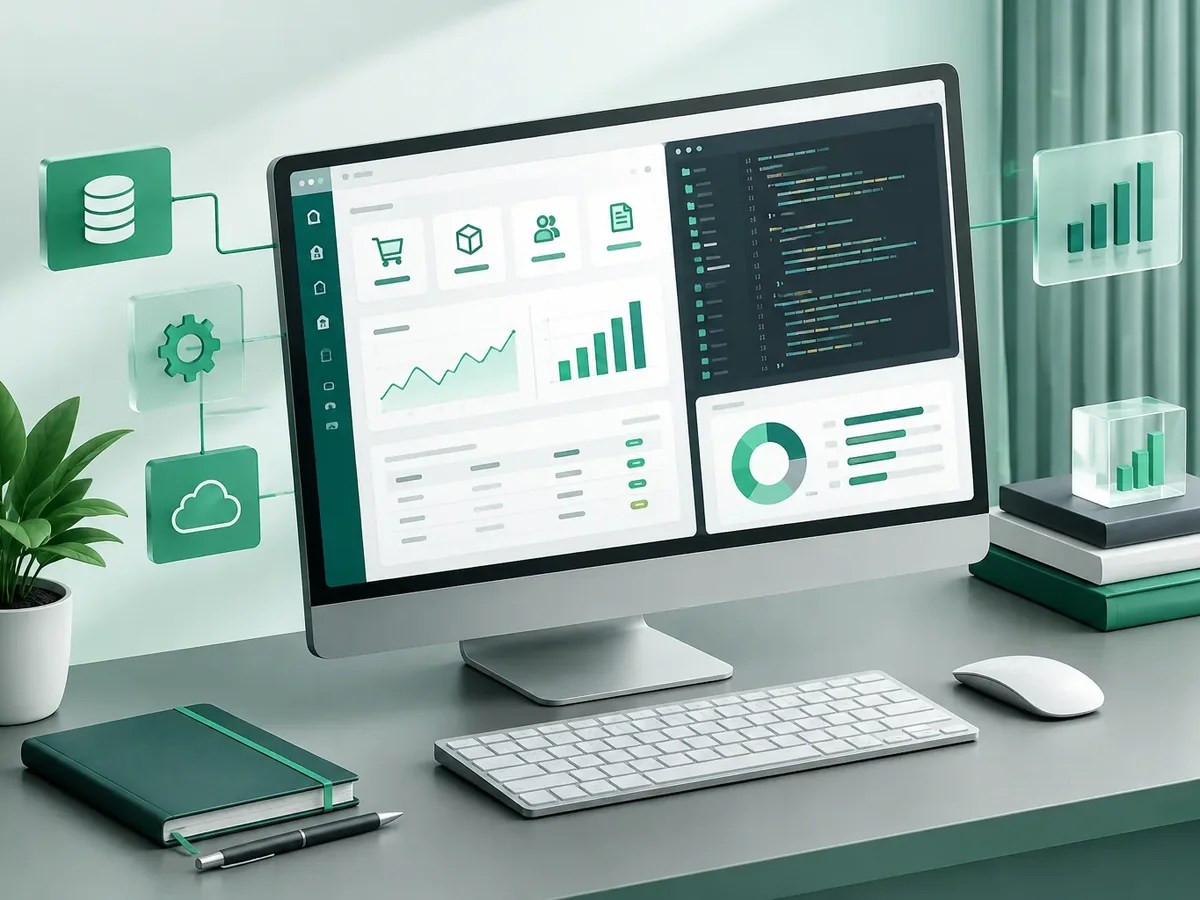
When sales information arrives late, so do decisions.
| Aspect | Reports in Excel and WhatsApp | PACOWEB sales system |
|---|---|---|
| Orders | Read over the phone or sent as photos. | Go straight into the system with prices and stock levels. |
| Quota progress | Known only at month-end close. | Visible every day by rep and territory. |
| Fees | Calculated by hand, and they cause disputes. | Calculated automatically with clear rules. |
| Accounts receivable | Reps don’t know who owes money. | Past-due alerts before taking the order. |
Does your sales team report over WhatsApp? We’ll show you how to move to a system without making anyone’s life harder.
We put together the right combination based on how your company sells.
Sales reps who visit stores and take orders along their route.
Opportunities, meetings, and proposals over long sales cycles.
Custom CRM developmentProposals with price lists and approved discounts.
Quoting software developmentLet your customers reorder on their own through their own login.
B2B platform developmentWe work in short stages, with deliverables you can test. You always know what’s being built, what’s left, and what we need from your team.

We interview the departments that will use the system and map how information flows today.
You: show us how you work today
You get: a process map and scope
We design the main screens in a clickable prototype to validate them before writing code.
You: test the prototype with your team
You get: an approved prototype
We build and deliver module by module, so your team can start using it soon.
You: test each module
You get: working modules in testing
We load your current data, train each role, and support you through launch.
You: hand over your databases
You get: a live system and user manuals
We measure actual usage and make any needed adjustments during the support period.
You: report adjustments through the support channel
You get: a usage and improvements report
This is how the sales teams we digitize most often work.

Presales to neighborhood stores, with routes and visit schedules.
Medical or technical sales visits, samples, and orders to distributors.
Technical quotes, project follow-up, and institutional accounts receivable.
Four questions to pinpoint the type of software that solves your main problem. If it helps, we’ll add the result to your request.
We recommend
A CRM tailored to your sales process
We recommend
An ERP that connects your departments
We recommend
A project management platform
We recommend
A custom business platform
We can build order taking so it works without a signal and syncs when the rep is back online.
Yes. Orders can flow automatically into your ERP or billing system via API.
Using the rules your company already follows: by collections, margin, product line, or quota attainment.
As many as you need; there are no per-user licenses.
People also search for it as custom sales software, sales force management system, or sales software. It ties in with CRM, ERP, business management software, inventory management, and invoicing, which we review with you when your project needs them.
Can’t find your question?
What clients most often add to this project.
Tell us how many sales reps you have, how they take orders, and what you want to measure. We’ll send you a written proposal.
We reply during business hours (Bogotá time, UTC-5), usually the same day.