
Custom CRM development for US businesses
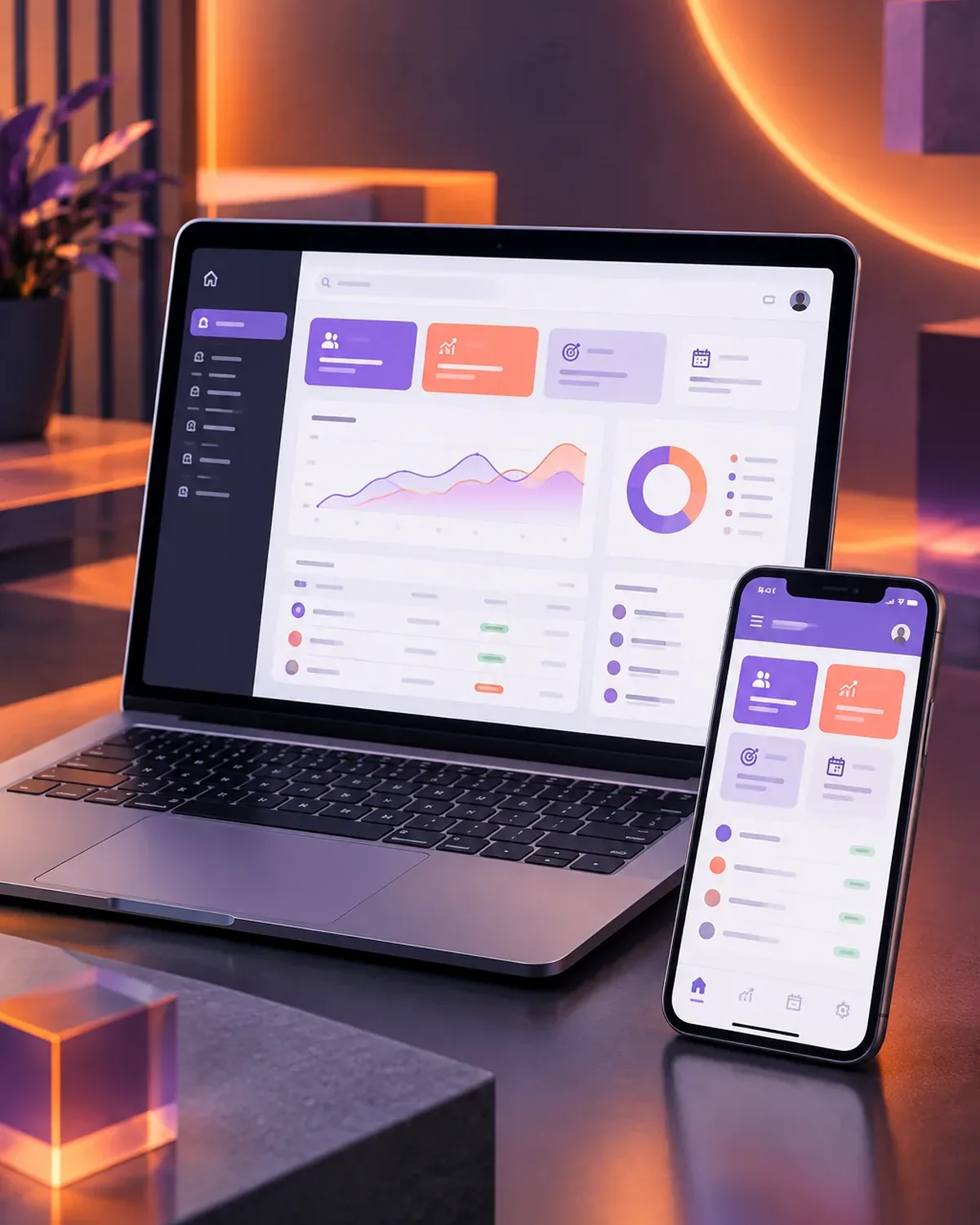
We design and build a CRM around your sales process: leads, opportunities, quotes, and follow-up in one place. Your sales team stops tracking customers in notebooks, personal chats, or Excel files, and management sees the full pipeline in real time.
Updated:
- A sales pipeline built around you
- WhatsApp and email connected
- No per-user fees
No customer goes unanswered
10 years building for businesses
Types of CRMs we build
Your CRM adapts to how you sell. These are the most common approaches, and they can be combined.
-
B2B sales CRM
For companies with long sales cycles, multiple meetings, and formal quotes.
-
CRM connected to WhatsApp
Every conversation is tied to the customer, and the team shares a single number.
-
CRM with quote tool
Build proposals with prices, discounts, and terms in minutes.
Quoting software development -
CRM with automations
Tasks, emails, and reminders that trigger automatically based on the customer’s stage.
What your CRM software includes
A customer management system designed so your team uses it every day, not just to check a box.
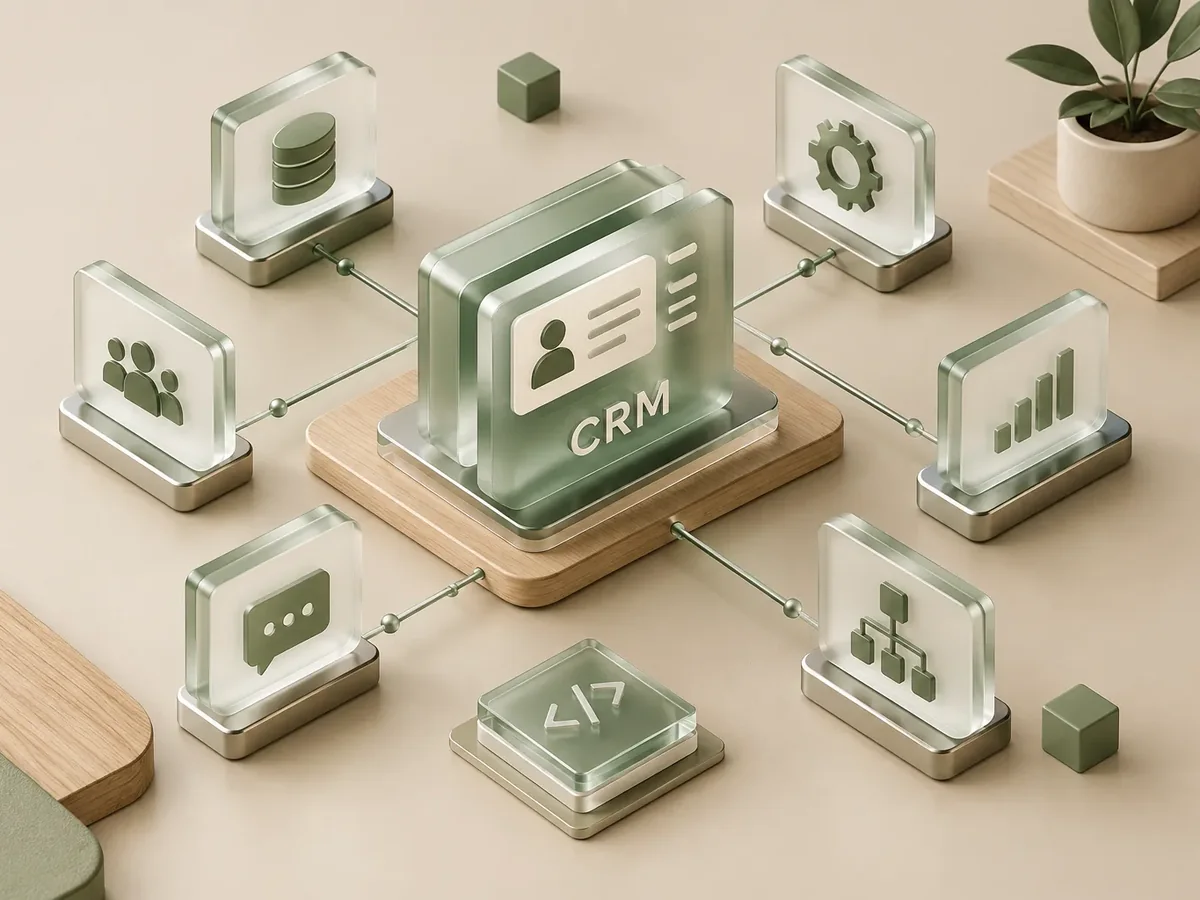
Customers and opportunities
- A single customer record with contact history, purchases, and documents.
- A sales pipeline with the real stages of your process.
- Lead assignment by territory, product, or sales rep.
Follow-up and quotes
- Tasks, reminders, and alerts for customers who haven’t been followed up.
- Branded PDF quotes sent right from the system.
- Log of calls, emails, and WhatsApp conversations.
Sales reports
- Sales dashboard by rep, product, and period.
- Close rate and average time per stage.
- Export to Excel and connect to your ERP or billing system.
How we build your CRM, step by step
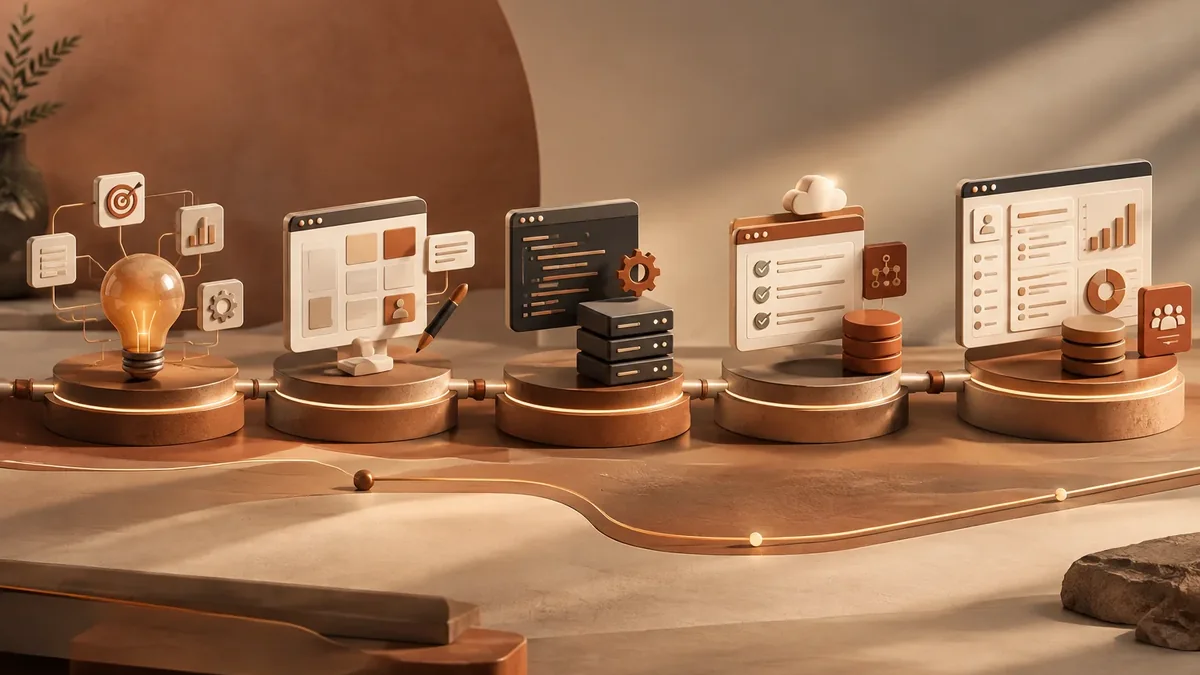
We work in short stages, with deliverables you can test. You always know what’s being built, what’s left, and what we need from your team.
-
Step 1: Discovery
We interview the departments that will use the system and map how information flows today.
You: show us how you work today
You get: a process map and scope -
Step 2: Prototype
We design the main screens in a clickable prototype to validate them before writing code.
You: test the prototype with your team
You get: an approved prototype -
Step 3: Development by module
We build and deliver module by module, so your team can start using it soon.
You: test each module
You get: working modules in testing -
Step 4: Migration and training
We load your current data, train each role, and support you through launch.
You: hand over your databases
You get: a live system and user manuals -
Step 5: Support and improvement
We measure actual usage and make any needed adjustments during the support period.
You: report adjustments through the support channel
You get: a usage and improvements report
What management system does your business need? Find out in a minute
Four questions to pinpoint the type of software that solves your main problem. If it helps, we’ll add the result to your request.
We recommend
A CRM tailored to your sales process
We recommend
An ERP that connects your departments
We recommend
A project management platform
We recommend
A custom business platform
CRMs for businesses in different industries
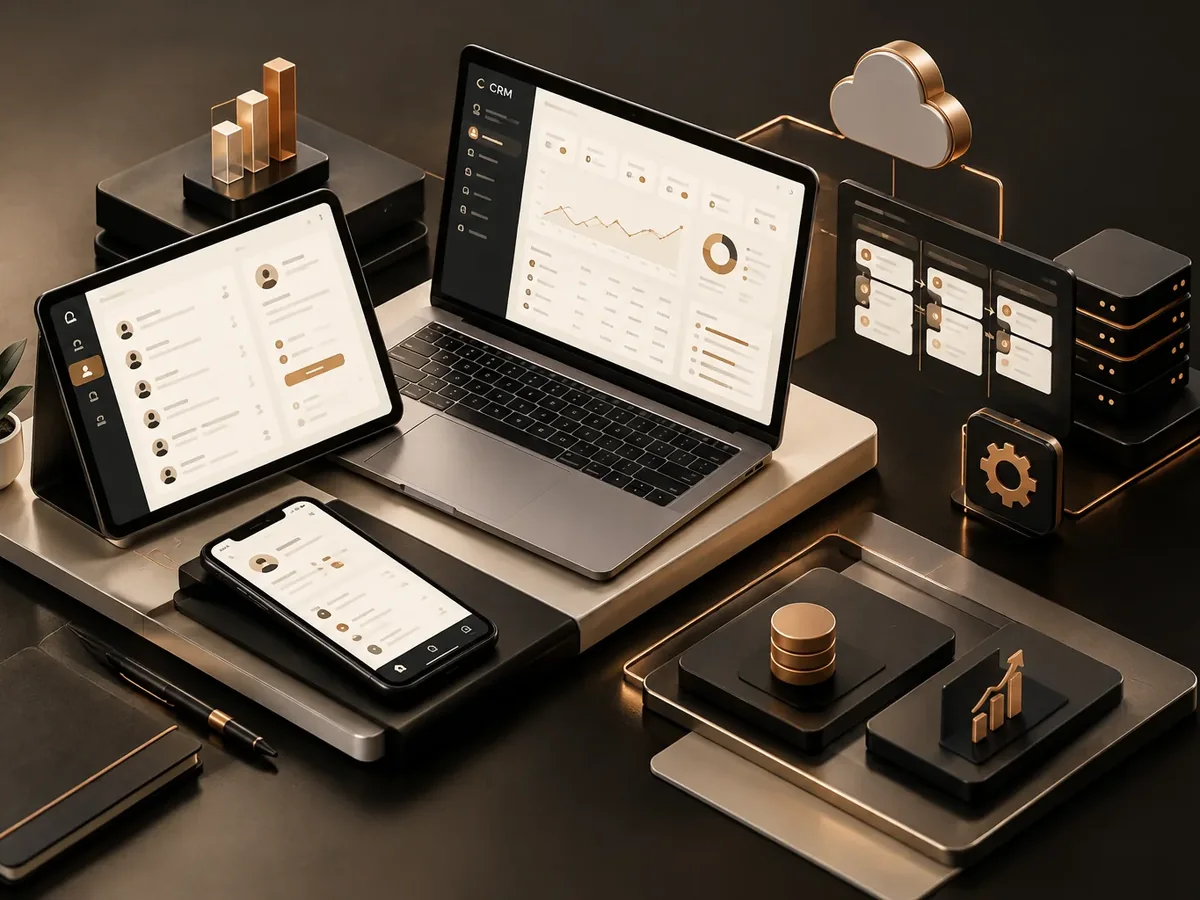
The way you sell changes from one industry to the next, and your CRM should reflect that.
Real estate and construction companies
Track prospects by project, scheduled visits, and unit reservations.
Education
Applicants by program, interviews, admission documents, and enrollments.
Manufacturing and distribution
Institutional clients, technical quotes, and field sales visits.
Subscription CRM vs. custom CRM
Subscription CRMs are a good starting point. Here’s what changes when the system is built for your team.
| Aspect | Subscription CRM | PACOWEB custom CRM |
|---|---|---|
| Sales stages | Generic templates you have to force your process into. | The exact stages, fields, and rules of your sales process. |
| Cost | You pay per user, every month. | No per-user licenses; just hosting and support. |
| Third-party integrations at extra cost. | Conversations linked to the customer record. | |
| Language and support | Support only in English or by ticket. | A team in Colombia that knows your operation and supports you remotely. |
Does your sales team track customers in Excel or on their personal WhatsApp? Tell us, and we’ll show you what your CRM could look like.
FAQ about custom CRM development
What’s the difference between a custom CRM and one like Salesforce or HubSpot?
Off-the-shelf CRMs come with lots of generic features and charge per user. A custom CRM has only what your team needs, with your stages and fields, and no monthly per-seat licenses.
Can my sales reps use it from their phones?
Yes. The CRM is a responsive web app, so it works on computers, tablets, and phones, even for logging field visits.
Can you move my customers from Excel to the CRM?
Yes. We clean up and migrate your customer, contact, and opportunity data so your team starts with complete information.
Can it connect to WhatsApp Business?
Yes, through the official WhatsApp Business API. Conversations are linked to each customer and can be assigned among sales reps.
What else are CRM systems called?
People also search for it as custom CRM software, personalized CRM, or customer management system. It ties in with CRM, ERP, business management software, inventory management, and invoicing, which we review with you when your project needs them.
Can’t find your question?
Related services
What clients most often add to this project.
Get a quote for your company’s CRM
Tell us how your team sells today and how many people would use the CRM. We’ll send you the scope, timeline, and price in writing.
- 1You contact us through the form or on WhatsApp.
- 2We talk about your business and what you need.
- 3You get the proposal in writing, with scope, timeline, and price.

Request your proposal
We reply during business hours (Bogotá time, UTC-5), usually the same day.