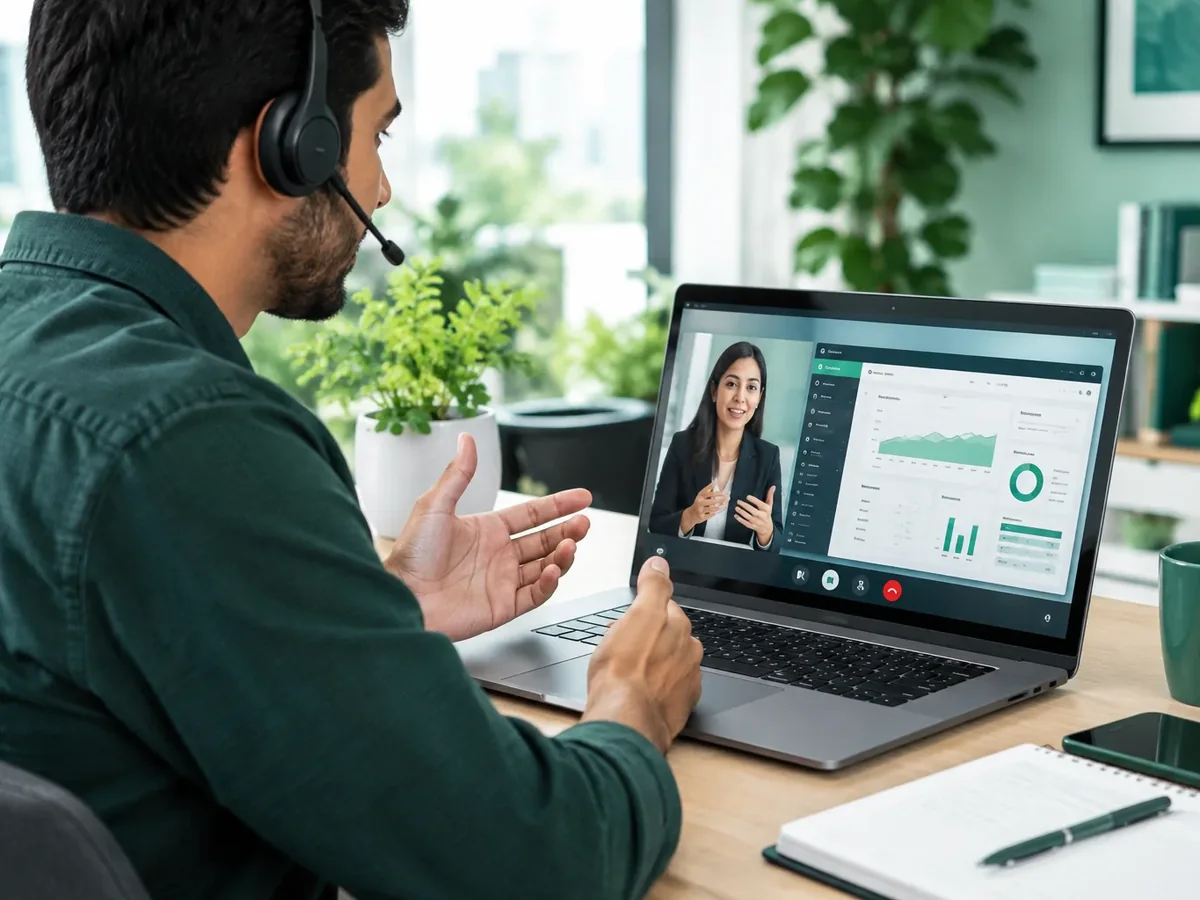
ERP and back-office systems
Processes with many fields and steps.
Custom ERP developmentEnterprise software tends to be powerful but hard to use: endless tables, confusing forms and menus nobody understands. We design interfaces for ERPs, CRMs, internal systems and B2B platforms that handle a lot of information without overwhelming people, so users work faster and make fewer mistakes.
Updated:
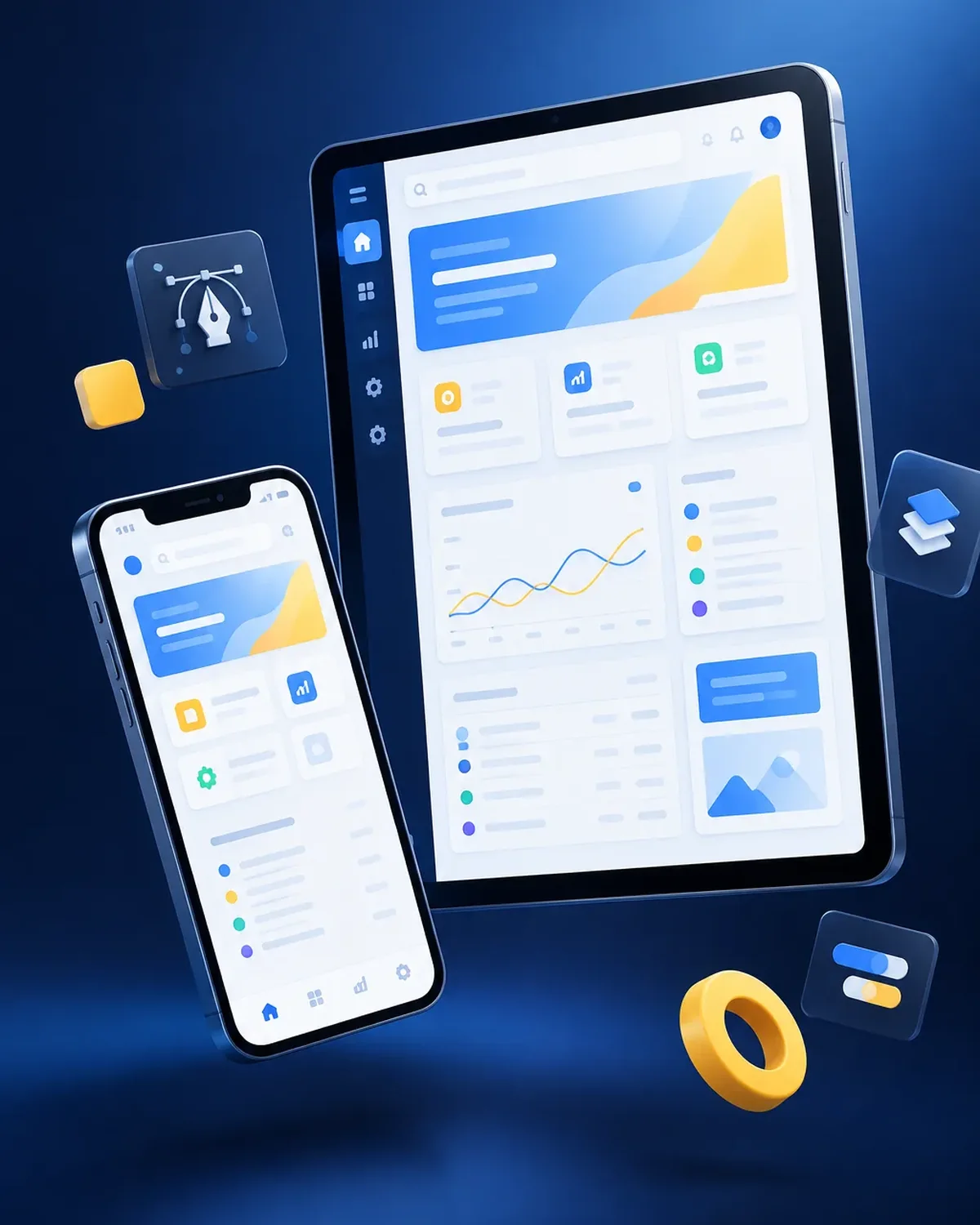
Complex data, clear screens
10 years building for businesses
Design for heavy daily use.

High-use interfaces.
Processes with many fields and steps.
Custom ERP developmentClear customer records and pipelines.
Custom CRM developmentMetrics you can read in seconds.
Business dashboard developmentBack office for apps and platforms.
App development with admin dashboardThree questions to find out whether your priority is to design, redesign, modernize or maintain.
We recommend
UI/UX design
We recommend
Enterprise software interfaces
We recommend
Figma prototype
We recommend
Modernize your app
We recommend
Maintenance and support
We design before we code, deliver in versions you can test on your phone, and support you through launch and later improvements.

We define users, goals, must-have features, and what can wait for a second version.
You: tell us about the idea and your users
You get: the scope of the first version
We create the screen flow and a clickable Figma prototype to validate it before coding.
You: test the prototype on your phone
You get: an approved prototype
We build in short cycles and deliver installable test versions.
You: test each version
You get: a working test app
We test on multiple devices and publish on Google Play, the App Store, or your own domain.
You: give us access to your store accounts
You get: a published app
We measure usage, fix issues, and plan the next versions.
You: share your feedback
You get: a release plan and support
A bad interface costs hours of work every day.
Does your team complain about the system they use every day? Let's redesign its screens.
Teams that spend all day in one system.

Service screens with information at hand.
Interfaces built for fast work with a scanner.
Complex forms and validations.
Yes, we design the new interface and roll it out in phases, or hand it off to your development team.
With task times, errors and satisfaction measured before and after.
Yes, enterprise software is designed mainly for desktop, with mobile versions when needed.
Yes, so new modules stay consistent.
People also search for this as UX for B2B software, dashboard design or internal system design. It ties in with Figma prototypes, wireframes, usability testing, technical support and updates, which we review with you when your project needs them.
Can’t find your question?
Services that often complement the development of this app.
Tell us what system you use, how many users it has and which tasks are hardest.
We reply during business hours (Bogotá time, UTC-5), usually the same day.