
Accessible websites for US businesses
We build accessible websites that anyone can use, including people with visual, hearing, motor, or cognitive disabilities, and older adults. We follow the international WCAG guidelines, the usual benchmark for ADA compliance in the US, and verify it with tools and manual testing, on new or existing sites.
Updated:
- Keyboard and screen reader navigation
- Contrast and readable text
- Verification report

WCAG guidelines verified
900+ projects delivered
What an accessible website includes
Accessibility isn’t a plugin or a button that makes text bigger. It’s built into the design, the code, and the content.
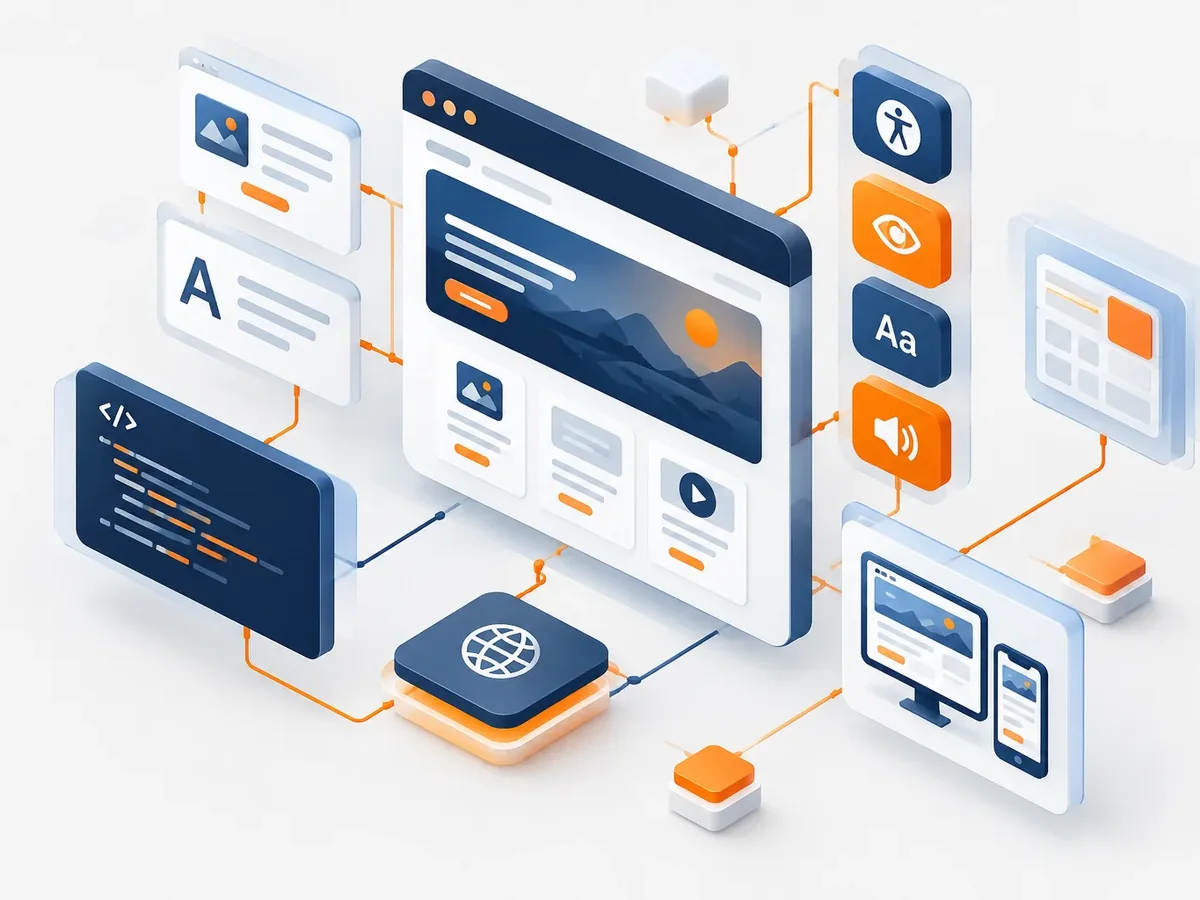
Design
- Enough contrast between text and background.
- Comfortable text and button sizes.
- Information that doesn’t rely on color alone.
- Animations that can be reduced.
Code
- Semantic structure: properly marked-up headings, lists, landmarks, and tables.
- Full keyboard navigation with visible focus.
- Screen reader compatibility.
- Forms with clear labels, instructions, and error messages.
Content
- Alt text on images that convey information.
- Links that say where they go.
- Plain language.
- Captions or transcripts for videos, when applicable.
Web accessibility services
We can build an accessible site from scratch or improve the one you already have.
-
Accessibility audit
A review of your site against WCAG guidelines, with prioritized findings.
Technical website audit -
Fixing an existing site
Design, code, and content fixes based on the audit findings.
-
New accessible site
Accessibility built in from the design stage, which is the most efficient approach.
Corporate websites -
Training for editors
How to publish accessible content: images, links, tables, and documents.
How accessible is your site today?
Four quick questions for a first impression. An audit confirms it in detail.
We recommend
An accessibility verification
We recommend
An accessibility audit
We recommend
Fixing your current site
We recommend
A new site that’s accessible by design
How we approach accessibility
We combine automated tools with manual testing, because tools only catch some of the issues.

-
Step 1: Review
We evaluate the site or the design against WCAG guidelines.
You: share the site or the design.
You get: findings report. -
Step 2: Plan
We prioritize fixes by their impact on users.
You: confirm the priorities.
You get: work plan. -
Step 3: Remediation or development
We make the changes to design, code, and content.
You: review progress.
You get: fixed site in testing. -
Step 4: Verification
We test with a keyboard, screen readers, and tools, and document the results.
You: receive the report.
You get: verification report.
Accessibility widget or real accessibility
Widgets that add an accessibility button promise a lot, but they don’t fix the underlying problems.
Accessibility widget
- Structure
- No changes.
- Keyboard
- The problems are still there.
- Screen readers
- It can even get in the way.
- Forms
- No labels or clear error messages.
- Compliance
- Doesn’t guarantee compliance with the guidelines.
Real accessibility
- Structure
- Correct headings, landmarks, and labels.
- Keyboard
- The whole site works with a keyboard.
- Screen readers
- Compatible and tested.
- Forms
- Accessible from start to finish.
- Compliance
- Verified against WCAG.
Want to know how accessible your site is? Let’s start with a review.
Who it matters most for
Accessibility helps everyone, but for some organizations it’s a priority.

Organizations with broad audiences
Services that any citizen or customer must be able to use.
Educational institutions
Students and families with different needs.
Healthcare and senior services
Audiences that often need larger text and simple processes.
Accessible website development FAQ
What are the WCAG guidelines?
They’re the Web Content Accessibility Guidelines, an international W3C standard that defines how to make a site usable for people with disabilities. They have levels A, AA, and AAA; level AA is the most common target.
Is it required in the United States?
Public entities must meet web accessibility requirements. For private companies, it’s a best practice that widens their audience. We recommend confirming the obligations for your industry with your legal advisor.
Does an accessible site look different?
It doesn’t have to. Most changes go unnoticed by people who don’t need them, and others, like better contrast, help everyone.
Does an accessibility widget work?
It doesn’t replace real accessibility. It may help some users adjust the display, but it doesn’t fix structure, keyboard, or form issues.
Does accessibility help SEO?
Indirectly, yes: good structure, alt text, and descriptive links also help Google understand your site. We pair it with technical SEO.
What else is accessible website development called?
Also known as web accessibility, a WCAG-compliant website, or an inclusive website. It ties in with responsive design, WordPress, on-page SEO, hosting and domains, page speed, and WhatsApp buttons, which we review with you when your project needs them.
Can’t find your question?
Related services
Services related to web accessibility.
Get a quote for making your site accessible
Tell us whether it’s a new or existing site and what level of accessibility you need. We’ll propose scope, timeline, and pricing.
- 1You contact us through the form or on WhatsApp.
- 2We talk about your business and what you need.
- 3You get the proposal in writing, with scope, timeline, and price.
Request your proposal
We reply during business hours (Bogotá time, UTC-5), usually the same day.