Residential and commercial buildings
Towers, phases, and units with progress by apartment.
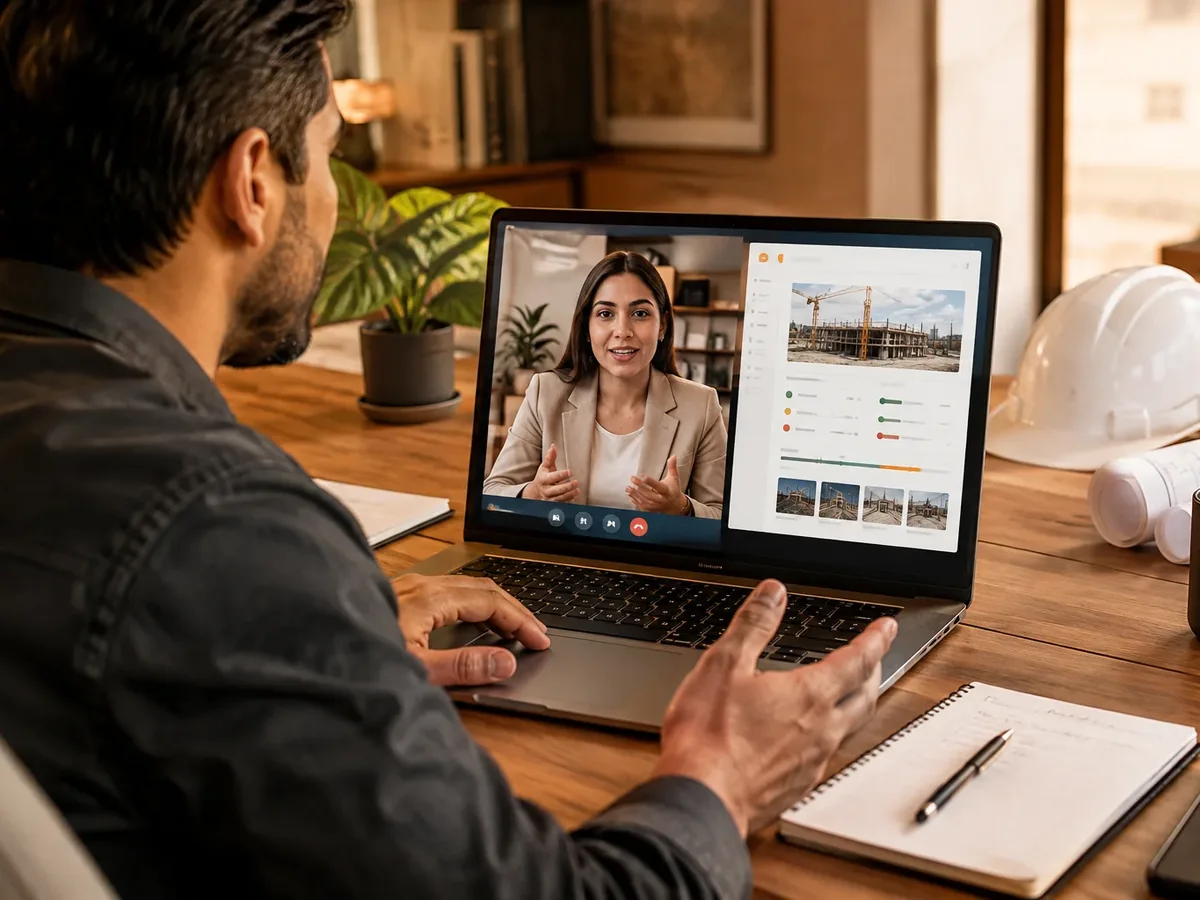
We build software for construction companies that compares budget against actuals on every project. The site superintendent reports progress and issues with photos from a phone, the warehouse clerk logs materials in and out, and leadership sees which line item the money is going to. A project control system that replaces Excel with up-to-date data and timely decisions.
Updated:

Every project with its cost in plain sight
900+ projects delivered
Control changes depending on what you build.
Towers, phases, and units with progress by apartment.
Roads, utility networks, and projects tracked by segment or station.
Many small projects at the same time.
Project management software developmentUnit inventory, reservations, and buyer payments.
Real estate web designModules for the project office, the job site, and management.
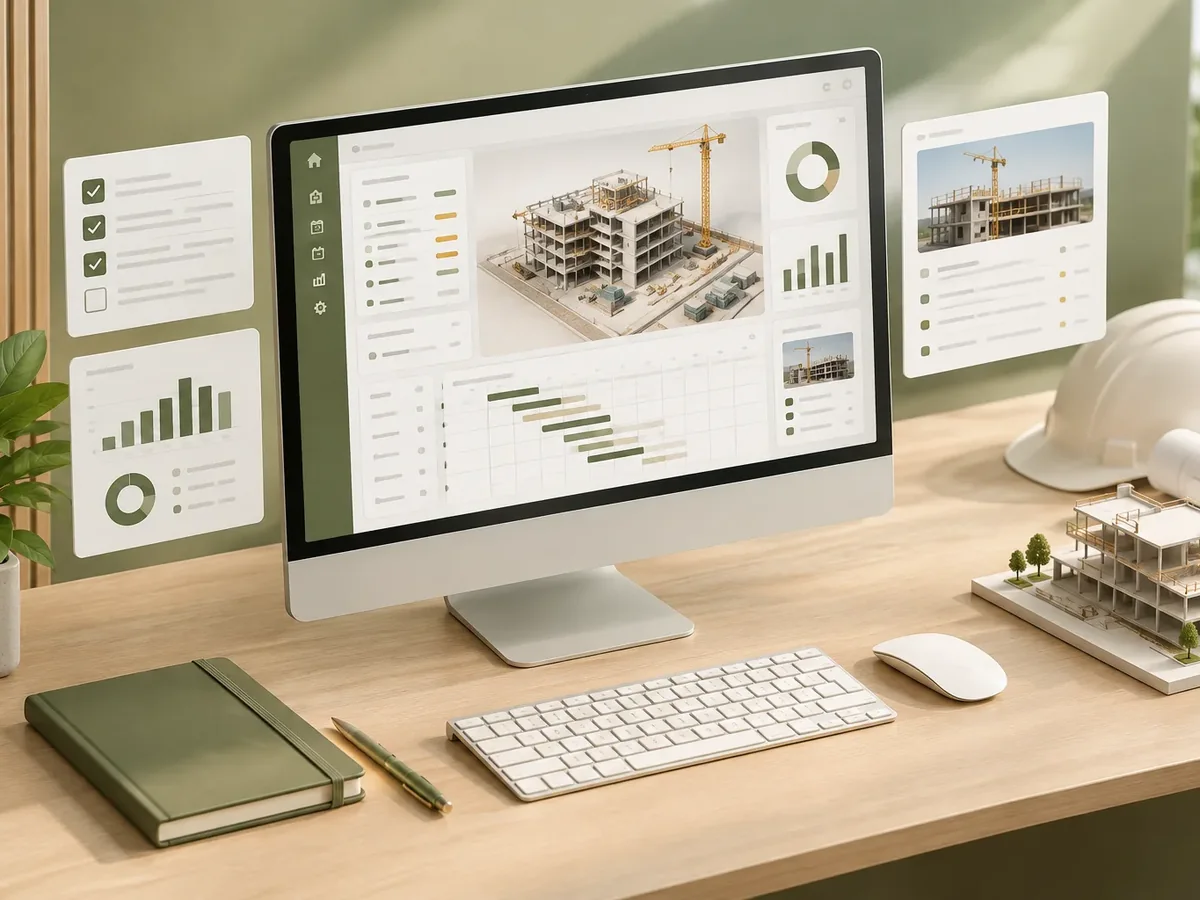
We work in short stages, with deliverables you can test. You always know what’s being built, what’s left, and what we need from your team.
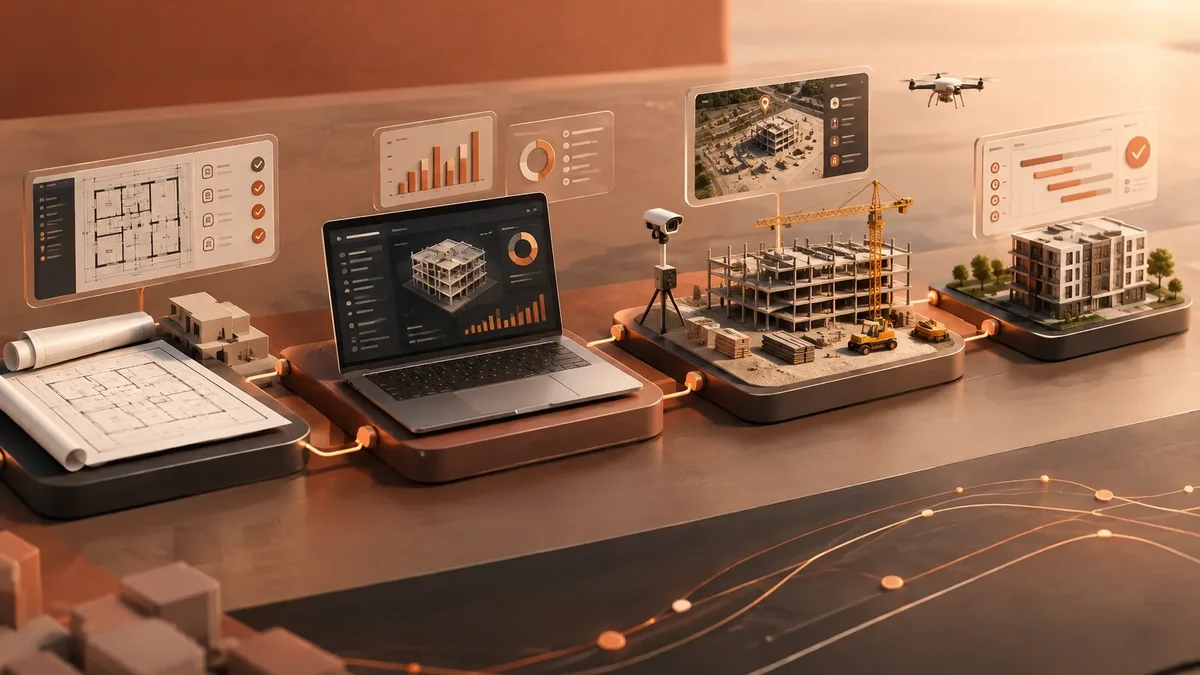
We interview the departments that will use the system and map how information flows today.
You: show us how you work today
You get: a process map and scope
We design the main screens in a clickable prototype to validate them before writing code.
You: test the prototype with your team
You get: an approved prototype
We build and deliver module by module, so your team can start using it soon.
You: test each module
You get: working modules in testing
We load your current data, train each role, and support you through launch.
You: hand over your databases
You get: a live system and user manuals
We measure actual usage and make any needed adjustments during the support period.
You: report adjustments through the support channel
You get: a usage and improvements report
Four questions about your daily operations so we can recommend where to start systematizing.
We recommend
An inventory management system
We recommend
A booking and appointment scheduling system
We recommend
A document management system
We recommend
An order tracking system
We recommend
A customer service platform
We recommend
A field service management system
We recommend
A logistics and transportation platform
Companies running several projects at once.
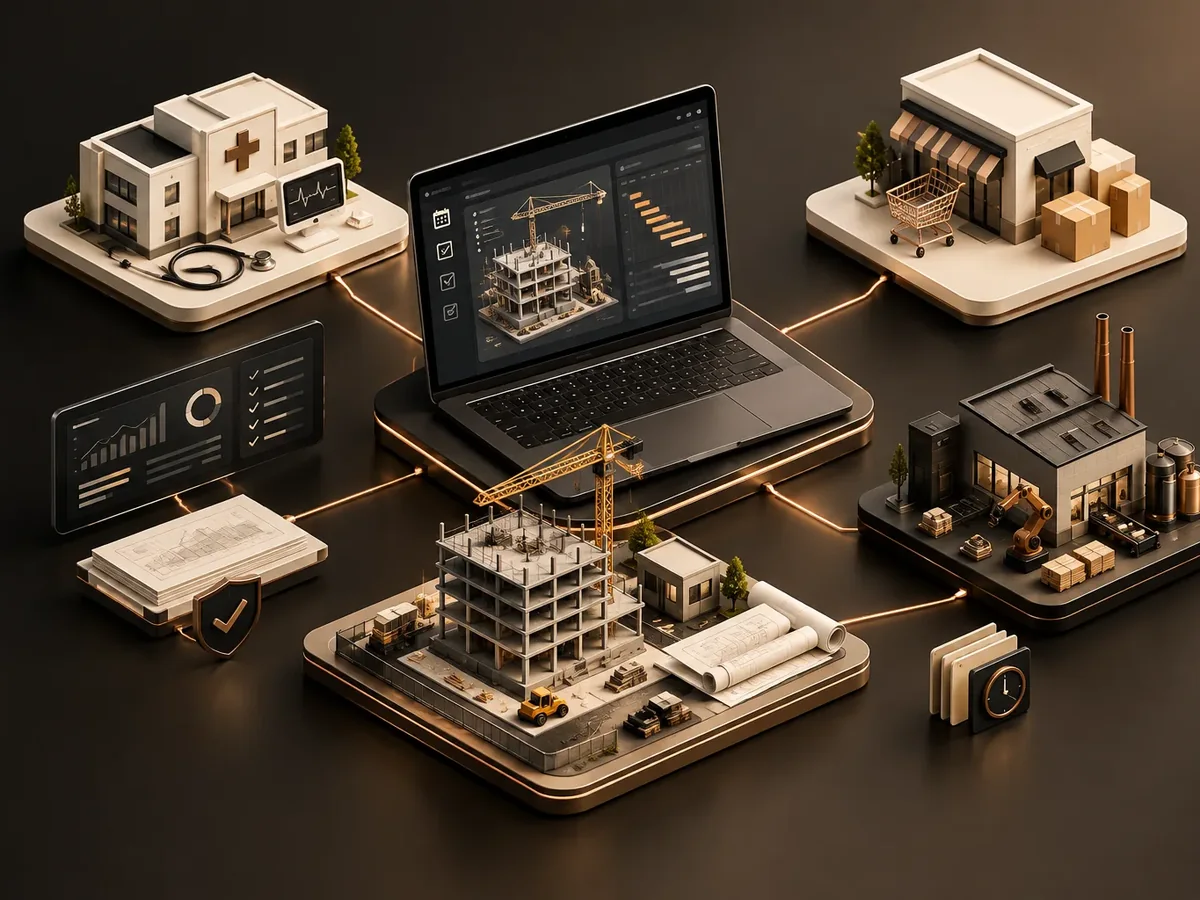
Several projects with budgets and sales running in parallel.
Installations and build-outs at client facilities.
Progress reports, inspection reports, and supporting documents in order.
A project manager organizes tasks; a construction site also needs to control cost and materials.
| Aspect | Project management platform | Construction project control software |
|---|---|---|
| Unit of control | Tasks and owners. | Sections, line items, quantities, and prices. |
| Progress | Percentage of tasks completed. | Physical progress measured against budget. |
| Materials | It doesn’t handle them. | Material requests, warehouse, and usage by work area. |
| Proof | Comments and files. | Daily log with photos, date, and location. |
If your projects are office-based or consulting work, the project management platform is the better fit.
Yes. We import budgets and unit price breakdowns from Excel so you don’t start from scratch.
Not all the time. The app saves reports and sends them once there’s a signal.
Yes, if your accounting software allows it. We send purchases, advances, and costs by cost center.
It depends on the number of simultaneous projects, the modules, and the integrations. We give you a fixed-price proposal after the discovery phase.
It’s also known as construction project control software, a construction company system, a construction estimating program, or a digital construction daily log. It relates to logistics, fleet management, work orders, traceability, and route planning, topics we review with you when the project calls for them.
Can’t find your question?
What clients most often add to this project.
Tell us how many projects you run at once and how you track budget and materials today. We’ll propose a scope.
We reply during business hours (Bogotá time, UTC-5), usually the same day.