

Retail POS
Clothing stores, pharmacies, and stores with lots of SKUs.
We build point of sale software that fits the way you check out: barcode scanners, multiple payment methods, promotional discounts, and register closeout by cashier. Inventory is deducted at each location, and management sees the day’s sales without calling anyone. It’s a point of sale program that keeps ringing up sales even if the internet goes down and syncs when it’s back.
Updated:
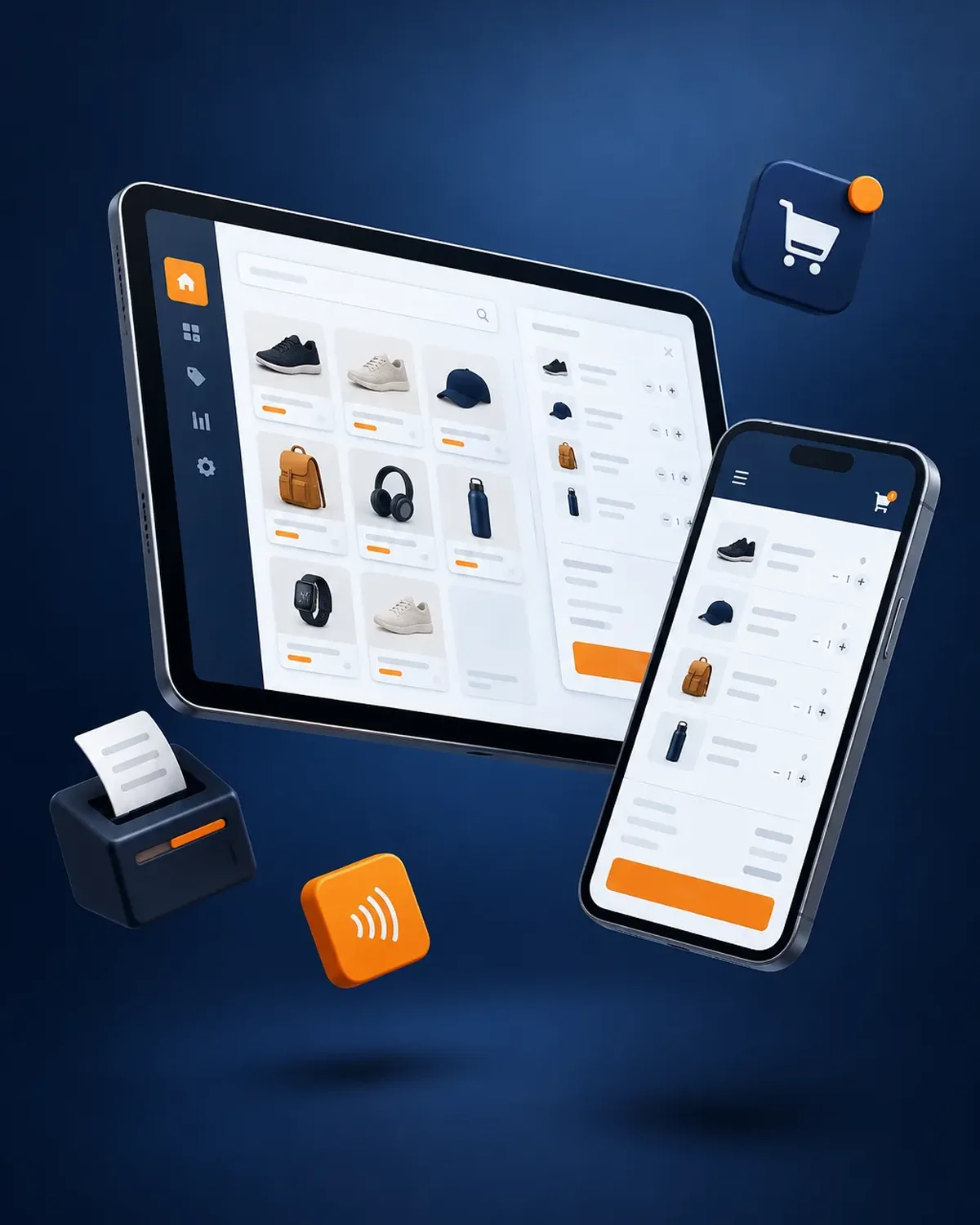
Check out fast and balance the register with confidence
900+ projects delivered
What the cashier, the store manager, and management need.
We work in short stages, with deliverables you can test. You always know what’s being built, what’s left, and what we need from your team.
We interview the departments that will use the system and map how information flows today.
You: show us how you work today
You get: a process map and scope
We design the main screens in a clickable prototype to validate them before writing code.
You: test the prototype with your team
You get: an approved prototype
We build and deliver module by module, so your team can start using it soon.
You: test each module
You get: working modules in testing
We load your current data, train each role, and support you through launch.
You: hand over your databases
You get: a live system and user manuals
We measure actual usage and make any needed adjustments during the support period.
You: report adjustments through the support channel
You get: a usage and improvements report
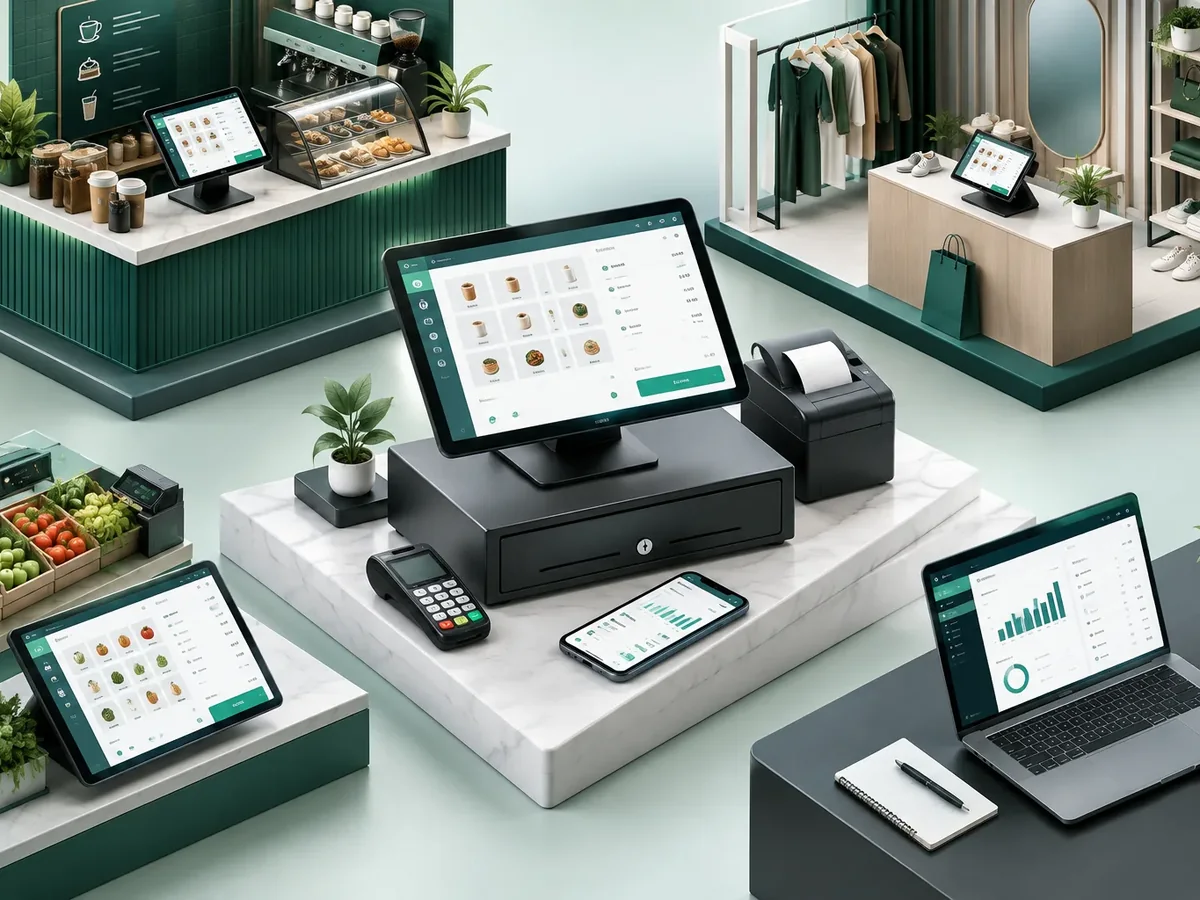
The point of sale varies a lot from one business to another.
Clothing stores, pharmacies, and stores with lots of SKUs.
Tables, kitchen tickets, and tips in the same flow.
Restaurant management softwareOne inventory for your physical store and your online store.
E-commerce website designPoints, coupons, and purchase history for each customer.
Both manage stock, but they solve different problems.
If you have a warehouse and stores, we connect them: the POS sells and inventory restocks.
Four questions about your daily operations so we can recommend where to start systematizing.
We recommend
An inventory management system
We recommend
A booking and appointment scheduling system
We recommend
A document management system
We recommend
An order tracking system
We recommend
A customer service platform
We recommend
A field service management system
We recommend
A logistics and transportation platform
Businesses with heavy checkout traffic and little time per customer.
Sales by unit or case, with lots and expiration dates.
Sizes, colors, and frequent exchanges.
Thousands of SKUs and bulk sales.
Almost always, yes. We review brands and models before development and let you know if anything needs to change.
The register keeps selling in offline mode and syncs sales when the connection comes back.
If your operation is simple, it may be enough. A custom POS makes sense when you have pricing rules, promotions, or integrations that off-the-shelf systems don’t allow.
It depends on the number of locations, registers, and integrations. We send you a proposal with scope and price once we understand your operation.
It’s also known as a POS system, a point of sale program, cash register software, or retail POS. It relates to logistics, fleet management, work orders, traceability, and route planning, topics we review with you when the project calls for them.
Can’t find your question?
What clients most often add to this project.
Tell us how many locations and registers you have and what’s going wrong with checkout today. We’ll get back to you with a proposal.
We reply during business hours (Bogotá time, UTC-5), usually the same day.